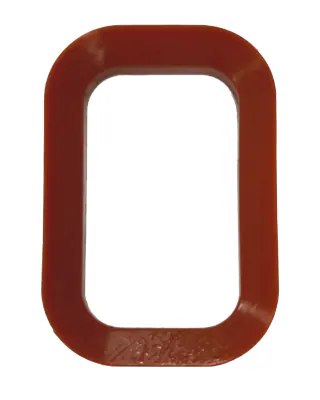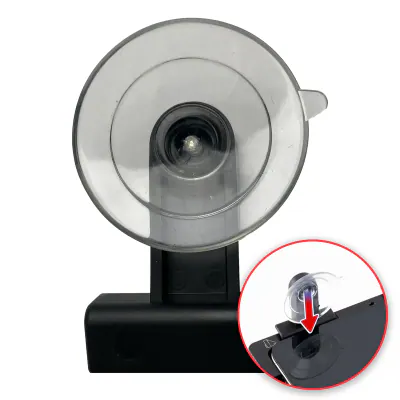
Suction cup de rechange pour plateau de réparation (à l’unité) (outil de service OEM)
In stock · Dispatched within 24 to 48 hours (working days)€7.90
Compatible — Third-party manufacture. The lowest price for a repair.
Ordered before 17:00 on a working day: dispatched on the next working day or the day after. Expected dispatch between Tuesday 10 November and Thursday 12 November. Estimated delivery outside France between Friday 13 November and Thursday 19 November (working days, estimate).
Check your exact model before ordering: a Optimus G does not accept parts from another version (mini, Plus, Pro, Ultra…). Find my model
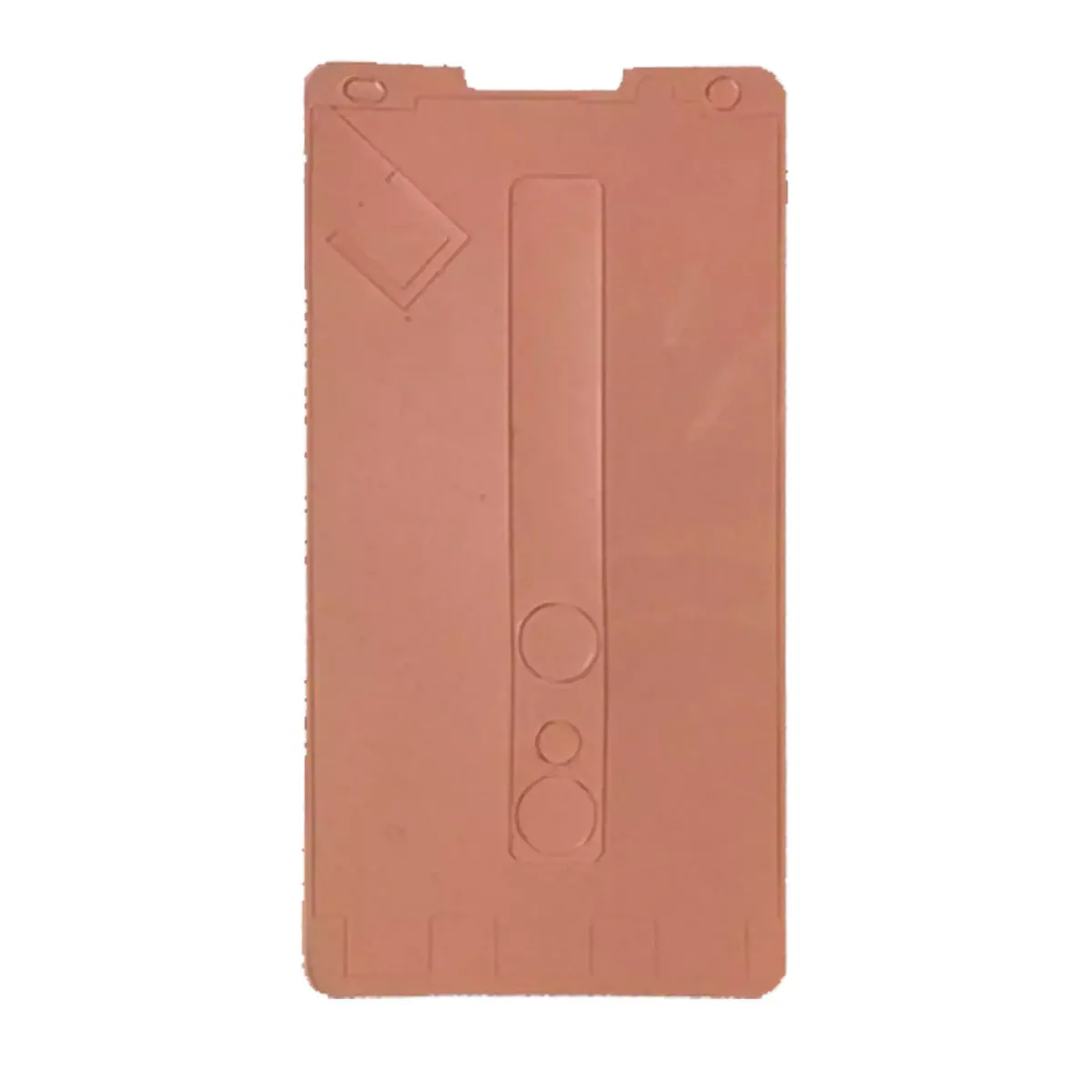
This screen adhesive is a spare part designed to fix the glass or display module back onto the chassis of your Optimus G. It provides the mechanical hold the screen needs after opening the device to replace a component or clean the inside. Without a proper bond, the screen can come loose, shift or let in dust and moisture.
This part is a compatible E970 reference, made by a third party. It is offered to help you repair your Optimus G at a lower cost. Before fitting it, prepare a clean, well-lit workspace with suitable tools. Carefully clean the bonding surfaces to remove old residue, without scratching the glass or the metal parts. Check that the adhesive matches the shape of your device.
After fitting, check that the screen is properly in place, that it does not move and that no dust has got in. Let the bond cure for the stated time before using the device. If the battery is swollen, stop using it and do not puncture or bend it. Keep moderate heat during the repair and avoid static electricity. Disconnect the battery before handling the ribbon cables.
Fitting guide: work with the device switched off, disconnect the battery before touching any flex cable, keep the screws in order and test the part before closing up. A question before ordering? Write to us.
To open and close the device without damaging it.