
Battery for Surface Laptop Studio 2 – Compatible
Compatible — Third-party manufacture. The lowest price for a repair.
Or in 3 interest-free instalments with Klarna: €26.64 + 2 × €26.63 (excl. delivery, subject to Klarna's approval).
In stock · Dispatched within 24 to 48 hours (working days)Ordered before 17:00 on a working day: dispatched on the next working day or the day after. Expected dispatch between Tuesday 10 November and Thursday 12 November. Estimated delivery outside France between Friday 13 November and Thursday 19 November (working days, estimate).
The kit for a successful repair
or just what you need:
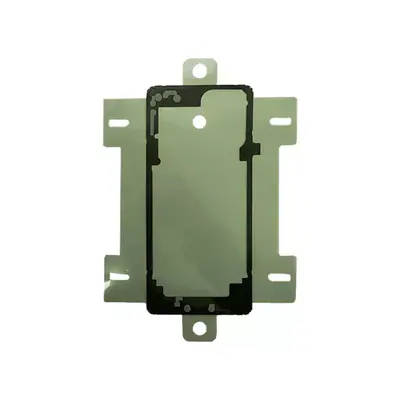
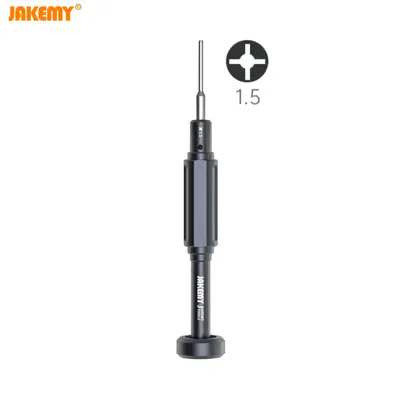

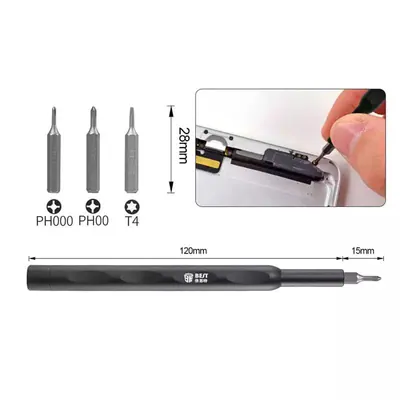
Check your exact model before ordering: a Surface Laptop Studio 2 does not accept parts from another version (mini, Plus, Pro, Ultra…). Find my model
Description
This compatible battery replaces the internal battery of the Surface Laptop Studio 2. It powers the laptop when it is not plugged into the mains, so you can use it on the move. If battery life has dropped sharply, if the laptop switches off unexpectedly while charge is still shown, or if the charge does not hold well, replacing the battery often fixes these faults.
Before you start, switch the device off completely, unplug the charger and place the laptop on a flat, clean surface. Work in a room at a moderate temperature and avoid static electricity by touching an earthed metal surface before handling the components. Never drill, bend or crush a lithium battery. If the current battery is swollen, stop using it and do not try to remove it without taking precautions.
After fitting, plug in the charger and let the device charge fully, then carry out a few complete charge and discharge cycles so that the battery life indicator recalibrates. Then check the displayed charge, that the device heats up normally and that it runs properly on battery.
Tips
- Switch off the device and unplug the charger before any work
- Disconnect the battery before handling the ribbon cables
- Never drill, bend or crush the lithium battery
- A swollen battery must no longer be used
- Carry out a few full charge cycles to recalibrate battery life
Fitting
Fitting guide: work with the device switched off, disconnect the battery before touching any flex cable, keep the screws in order and test the part before closing up. A question before ordering? Write to us.
Specifications
- Compatible with
- Surface Laptop Studio 2
- Part type
- Battery
- Quality
- Compatible
- Warranty
- 2-year legal guarantee of conformity
- Difficulty
- Estimated time
- about 75 min (approximate)
Benefits
- Third-party manufacture: the lowest price to repair
- Compatibility with the stated model checked on the product page
- 2-year legal guarantee of conformity
Symptoms this part fixes
- Battery life that drops quickly
- Sudden shutdowns or restarts
- Charge level that rises or falls erratically