
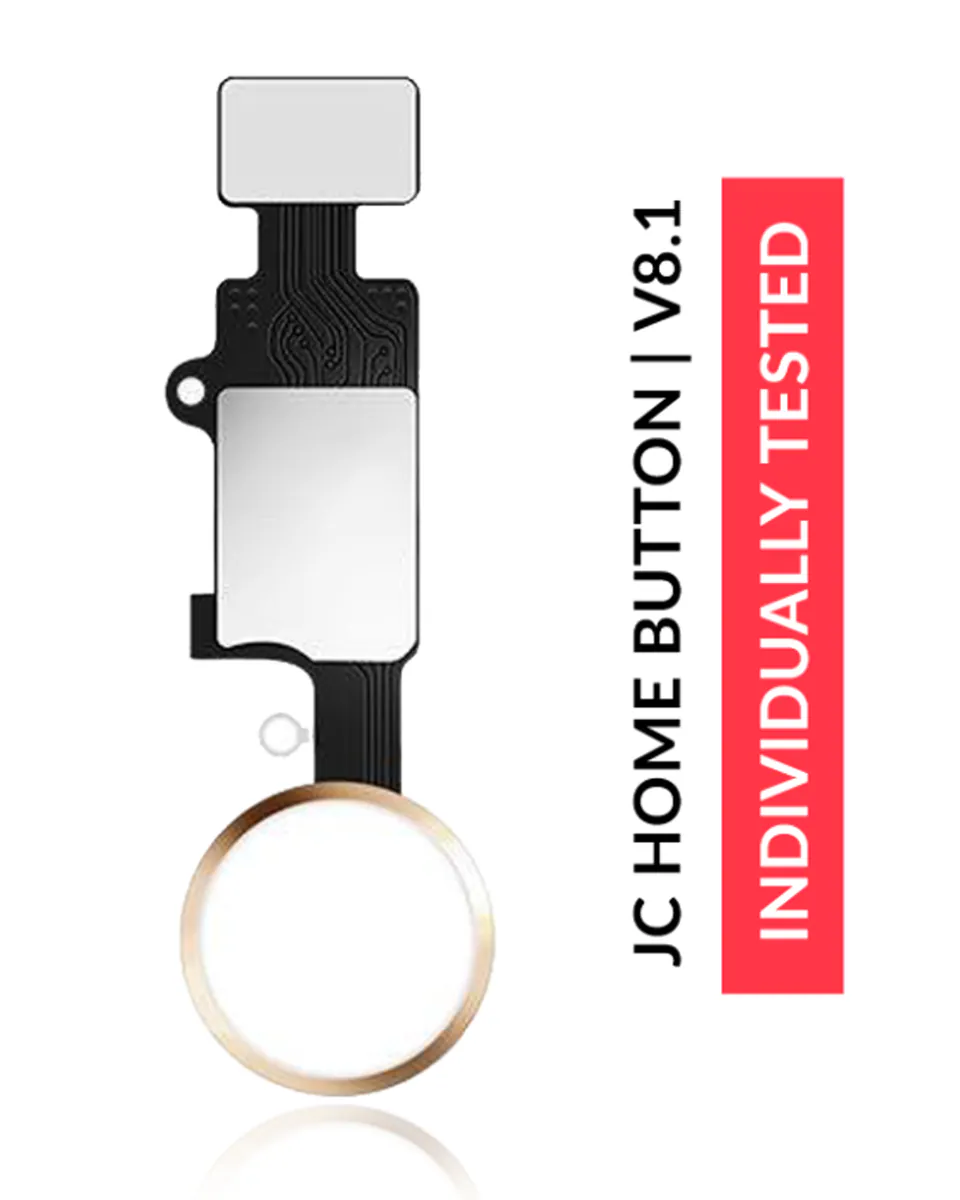
Home Button for iPhone 7 plus
Compatible — Third-party manufacture. The lowest price for a repair.
This part also fits: iPhone 7, iPhone 8, iPhone 8 Plus.
- Standard version: fits like the original part. The simplest choice.
See the 11 versions and their prices
- Dummy · Compatible · White€7.90
- cosmetic use only, with flex · Compatible · Rose GoldSupplied with its connection flex cable.€7.90
- cosmetic use only, with flex · Compatible · GoldSupplied with its connection flex cable.€7.90
- cosmetic use only, with flex · Compatible · SilverSupplied with its connection flex cable.€7.90
- cosmetic use only, with flex · CompatibleSupplied with its connection flex cable.€7.90
- Compatible · BlackStandard version: fits like the original part. The simplest choice.€7.90
- Compatible · WhiteStandard version: fits like the original part. The simplest choice.€8.90
- CompatibleStandard version: fits like the original part. The simplest choice.€10.90
- Compatible · SilverStandard version: fits like the original part. The simplest choice.€10.90
- Compatible · GoldStandard version: fits like the original part. The simplest choice.€10.90
- Compatible · Rose GoldStandard version: fits like the original part. The simplest choice.€10.90
Your choice: Compatible · Gold
Ordered before 17:00 on a working day: dispatched on the next working day or the day after. Expected dispatch between Tuesday 10 November and Thursday 12 November. Estimated delivery outside France between Friday 13 November and Thursday 19 November (working days, estimate).
The kit for a successful repair
or just what you need:
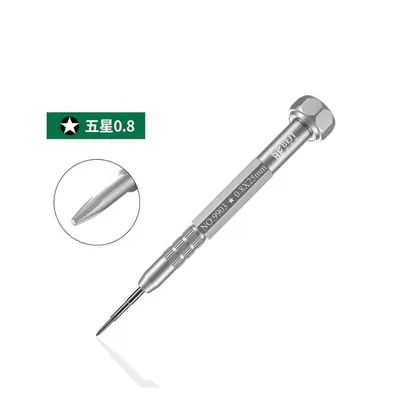
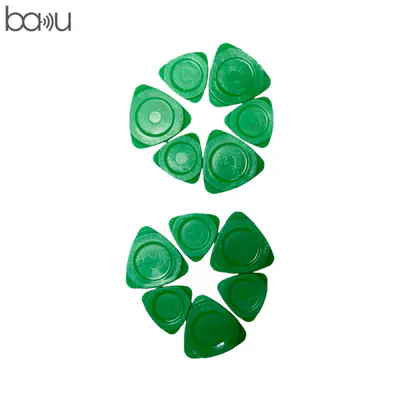
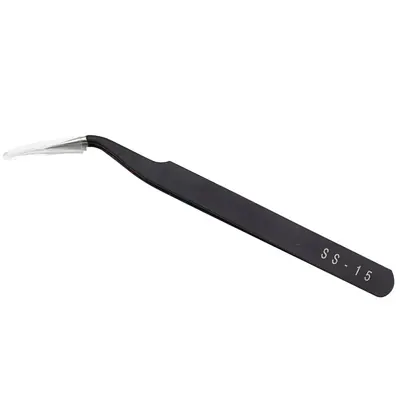
Check your exact model before ordering: a iPhone 7 Plus does not accept parts from another version (mini, Plus, Pro, Ultra…). Find my model
Description
The home button for the iPhone 7 Plus is the physical key located below your device's screen. It is used to return to the home screen, to activate fingerprint reading depending on the model, and to trigger certain system functions. When it no longer responds, becomes hard to press or only works intermittently, the part is often the cause. This compatible button replaces the defective part without changing the general operation of the device.
Before you start, switch off your iPhone 7 Plus completely and disconnect the battery when the procedure requires it. Work on a clean surface, protected from static electricity, with a suitable screwdriver and plastic tools to avoid scratching the chassis. Note the position of each screw and each connector. Handle the ribbon cables carefully, without bending them or forcing the clips.
After assembly, reconnect the battery, switch on the device and test the button several times: click, return to the home screen, fingerprint if present. If the screen does not light up or the button still has no effect, redo the assembly to check the ribbon cable connection. Once the check is done, let the device run normally for a few hours before judging the result.
Tips
- Switch off the device and disconnect the battery before any intervention
- Work away from static electricity, on a clean surface
- Do not bend the ribbon cable or insert any sharp object into the connectors
- Test the button several times before closing the device completely
- A swollen battery must no longer be used: do not puncture or bend it
Fitting
Fitting guide: work with the device switched off, disconnect the battery before touching any flex cable, keep the screws in order and test the part before closing up. A question before ordering? Write to us.
Specifications
- Compatible with
- iPhone 7 Plus
- Part type
- Flex cable / button
- Quality
- Compatible
- Colour
- Gold
- Warranty
- 2-year legal guarantee of conformity
- Difficulty
- Estimated time
- about 60 min (approximate)
Benefits
- Third-party manufacture: the lowest price to repair
- Compatibility with the stated model checked on the product page
- 2-year legal guarantee of conformity
Symptoms this part fixes
- Button that no longer responds
- Button that stays pressed in