
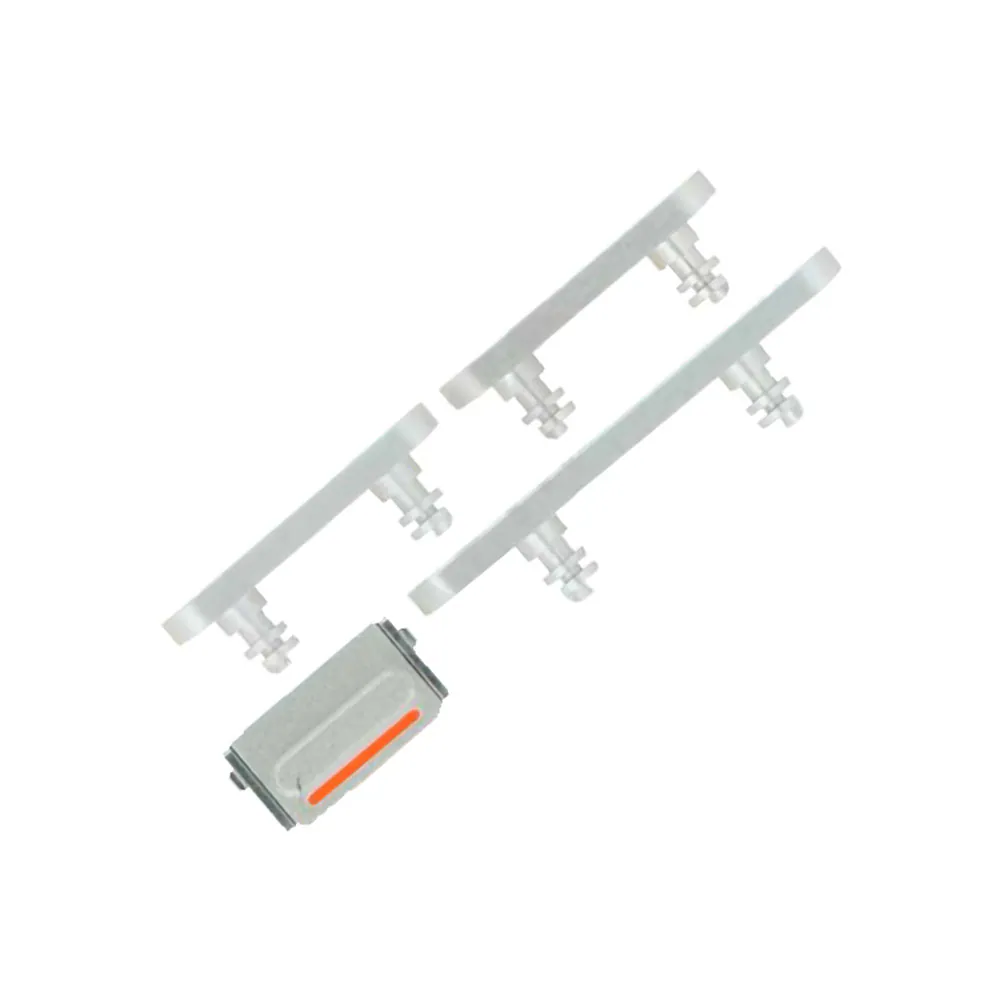
On/Off and Volume Buttons for iPhone 12
Compatible — Third-party manufacture. The lowest price for a repair.
This part also fits: iPhone 12 mini.
- Standard version: fits like the original part. The simplest choice.
See the 5 versions and their prices
- Compatible · PurpleStandard version: fits like the original part. The simplest choice.€7.90
- Compatible · RedStandard version: fits like the original part. The simplest choice.€7.90
- Compatible · BlackStandard version: fits like the original part. The simplest choice.€7.90
- Compatible · WhiteStandard version: fits like the original part. The simplest choice.€7.90
- Compatible · BlueStandard version: fits like the original part. The simplest choice.€11.90
Your choice: Compatible · White
Ordered before 17:00 on a working day: dispatched on the next working day or the day after. Expected dispatch between Tuesday 10 November and Thursday 12 November. Estimated delivery outside France between Friday 13 November and Thursday 19 November (working days, estimate).
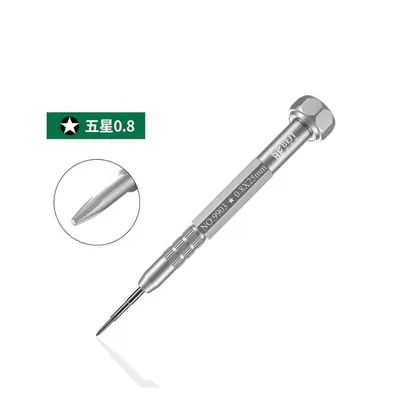
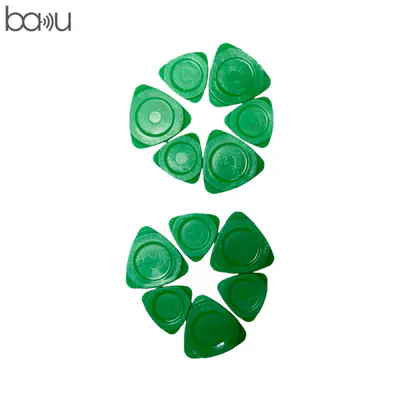
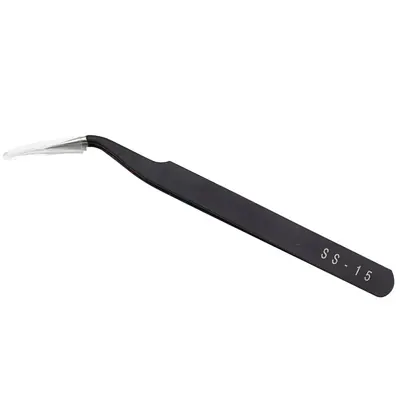
The kit for a successful repair
or just what you need:
Check your exact model before ordering: a iPhone 12 does not accept parts from another version (mini, Plus, Pro, Ultra…). Find my model
Description
The power and volume buttons flex cable iPhone 12 is a flexible strip that carries the physical buttons for switching on, switching off and adjusting the volume. When one of these buttons stops responding, sticks, or no longer triggers the expected action, the flex cable is often to blame. Replacing this part restores reliable control without touching the rest of the motherboard.
This part is a compatible version made by a third-party manufacturer, offered as an economical alternative for repair. Before you start, switch the device off completely, disconnect the battery if the flex cable is nearby, and work on a clean, dry surface. Remove the current part carefully, use non-metallic tools to release the connectors, and avoid bending the flex cable. An electrostatic discharge can damage components: discharge yourself before handling the part.
After fitting, test each button one by one: power on, power off, volume up and volume down. Make sure the connectors are firmly seated and that the flex cable forms no creases. If the device has a battery, charge it gradually and watch for heat during the first cycles. If the battery swells or heats up abnormally, stop using the device.
Tips
- Switch off and disconnect the battery before any disassembly
- Avoid metal tools to release the connectors
- Do not bend the flex cable and check that it has no creases
- Test each button after fitting before closing up
- Never puncture or bend the lithium battery
Fitting
Fitting guide: work with the device switched off, disconnect the battery before touching any flex cable, keep the screws in order and test the part before closing up. A question before ordering? Write to us.
Specifications
- Compatible with
- iPhone 12 (A2403, A2172, A2402, A2404)
- Model reference
- A2403, A2172, A2402, A2404
- Part type
- Flex cable / button
- Quality
- Compatible
- Colour
- White
- Warranty
- 2-year legal guarantee of conformity
- Difficulty
- Estimated time
- about 60 min (approximate)
Benefits
- Third-party manufacture: the lowest price to repair
- Compatibility with the stated model checked on the product page
- 2-year legal guarantee of conformity
Symptoms this part fixes
- Button that no longer responds
- Button that stays pressed in