
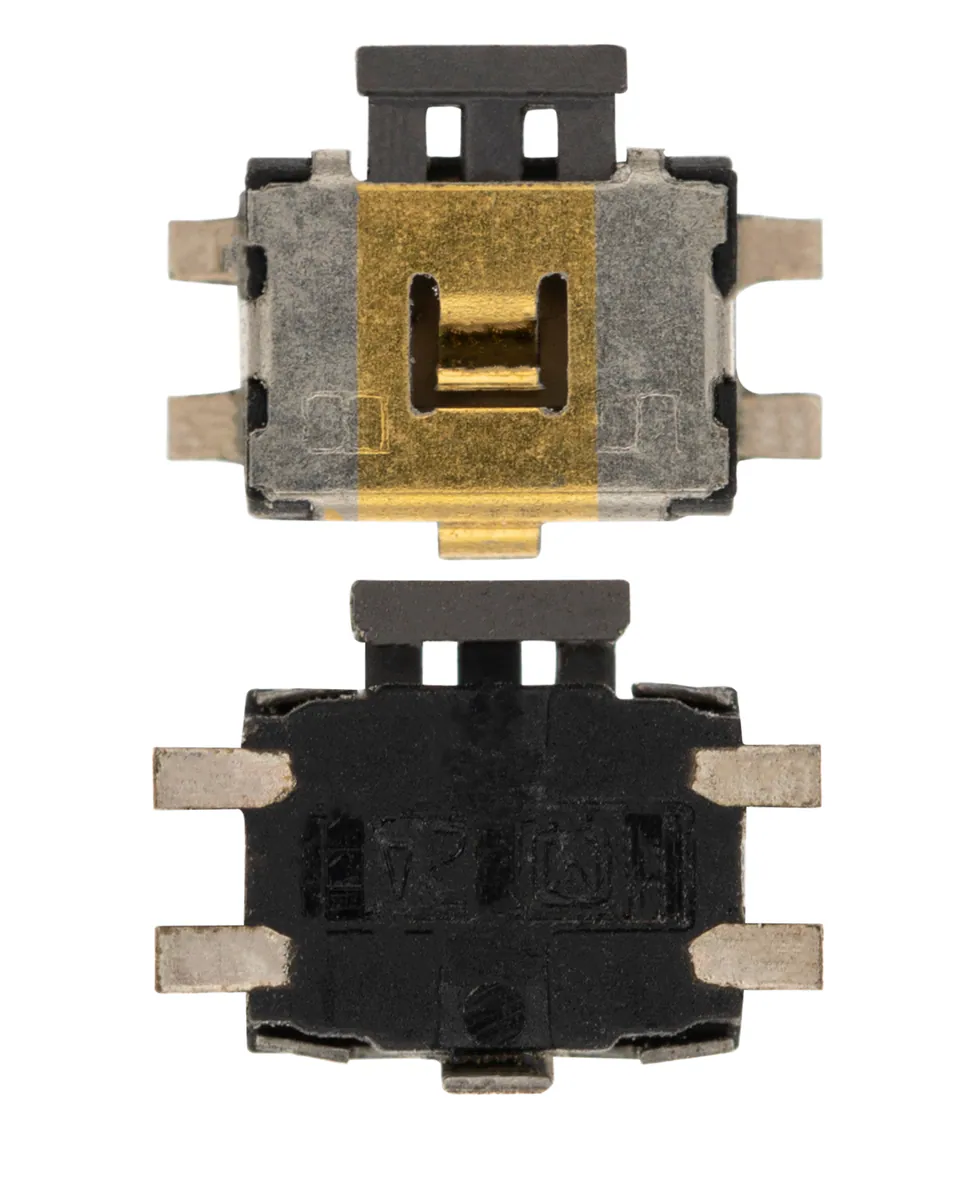
Power Button for One S – Compatible
Compatible — Third-party manufacture. The lowest price for a repair.
Ordered before 17:00 on a working day: dispatched on the next working day or the day after. Expected dispatch between Tuesday 10 November and Thursday 12 November. Estimated delivery outside France between Friday 13 November and Thursday 19 November (working days, estimate).
The kit for a successful repair
or just what you need:
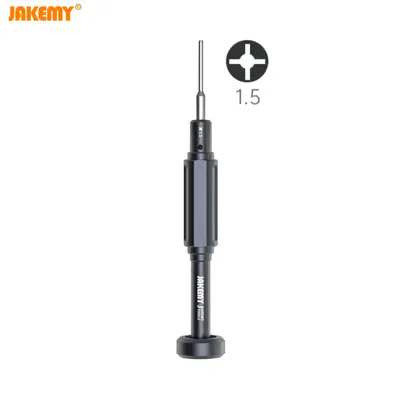
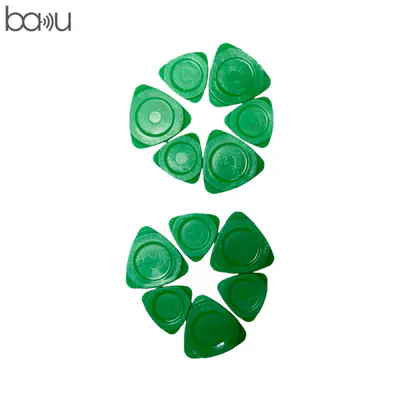
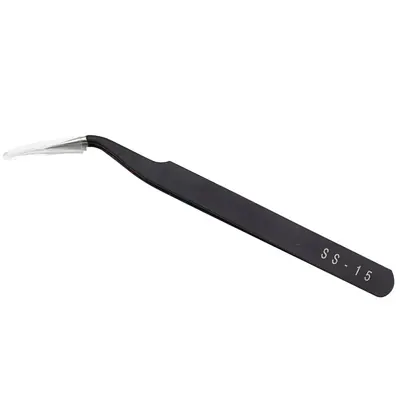
Check your exact model before ordering: a One S does not accept parts from another version (mini, Plus, Pro, Ultra…). Find my model
Description
The power button is the part that switches the One S on and off, locks the screen and often opens the shutdown menu. It is connected to the motherboard by a ribbon cable. When it is worn, unresponsive or stuck, the device may be hard to start or may switch off on its own. Replacing this button restores reliable control without changing the rest of the device.
The part offered is a compatible version: it is not made by the device manufacturer. Before you start, switch off the One S, remove the battery if the procedure requires it and work on a clean, dry surface. Use non-metal tools to avoid scratches and protect yourself from static electricity. Never puncture or bend a lithium battery, and do not keep using a device whose battery is swollen.
After fitting, check that the button presses properly, that it switches the device on and off and that it does not stick. If the battery was disconnected, carry out a few full charge cycles so the device returns to stable operation. If you are unsure about a step, stop and reread the instructions before continuing.
Tips
- Switch off the device and disconnect the battery before any work.
- Use non-metal tools so you do not scratch the board.
- Protect yourself from static electricity during fitting.
- Check the button works properly before closing the device.
- Never puncture or bend a lithium battery.
Fitting
Fitting guide: work with the device switched off, disconnect the battery before touching any flex cable, keep the screws in order and test the part before closing up. A question before ordering? Write to us.
Specifications
- Compatible with
- One S
- Part type
- Flex cable / button
- Quality
- Compatible
- Warranty
- 2-year legal guarantee of conformity
- Difficulty
- Estimated time
- about 60 min (approximate)
Benefits
- Third-party manufacture: the lowest price to repair
- Compatibility with the stated model checked on the product page
- 2-year legal guarantee of conformity
Symptoms this part fixes
- Button that no longer responds
- Button that stays pressed in