
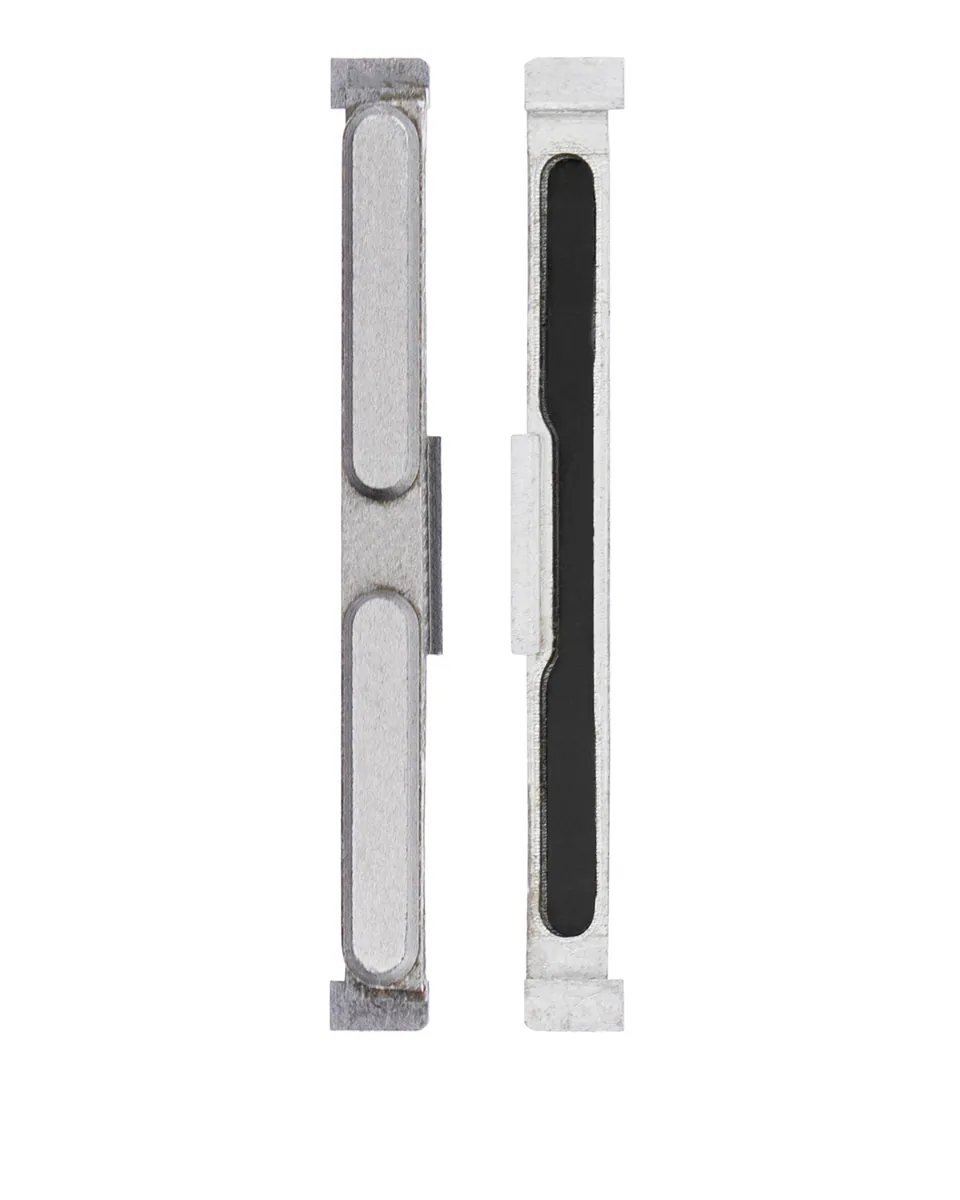
Volume Button for V20 (ref. H910) – Compatible
Compatible — Third-party manufacture. The lowest price for a repair.
Ordered before 17:00 on a working day: dispatched on the next working day or the day after. Expected dispatch between Tuesday 10 November and Thursday 12 November. Estimated delivery outside France between Friday 13 November and Thursday 19 November (working days, estimate).
The kit for a successful repair
or just what you need:
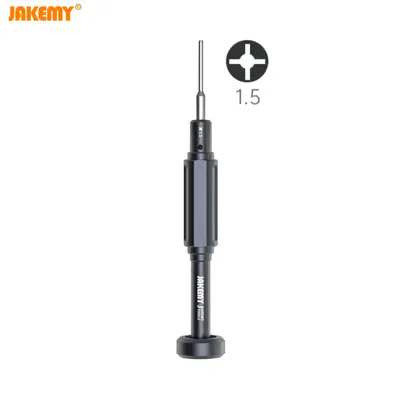
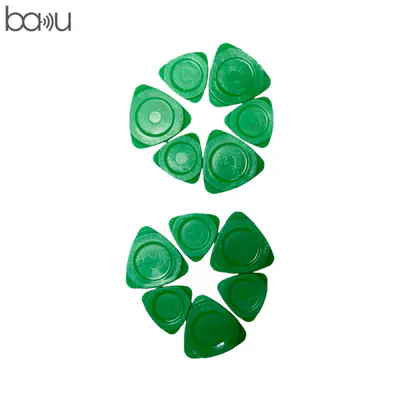
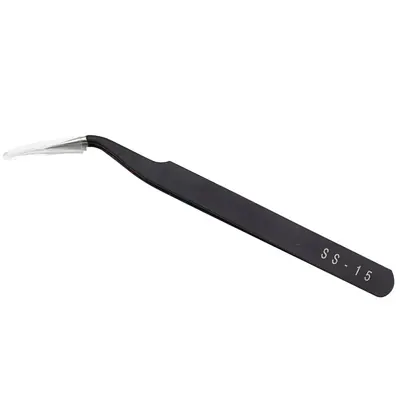
Check your exact model before ordering: a V20 does not accept parts from another version (mini, Plus, Pro, Ultra…). Find my model
Description
The volume button V20 (ref. H910) is a small mechanical part that lets you raise or lower the sound of the device. It sits on the side of the phone and acts on the flex cable that passes the press on to the main circuit. When it no longer responds, the volume keys may feel stuck, press down without effect or react erratically. This compatible button, made by a third party, lets you replace the worn part at low cost for a V20.
Before you start, switch off the device and disconnect the battery when the procedure requires it, to avoid any short circuit. Work on a clean, flat surface with suitable tools, and avoid static electricity by regularly touching an earthed metal surface. Never force fragile connectors and handle the flex cables with care.
Once reassembly is complete, check the operation of both volume directions, then test the press over several attempts. If the device overheats abnormally or if a battery looks swollen, stop immediately and stop using the device. For the battery, once it has been removed, carry out a few full charge cycles to check that it behaves correctly.
Tips
- Switch off the device and disconnect the battery before any intervention.
- Work on a clean surface and avoid static electricity.
- Do not force the connectors and handle the flex cables gently.
- Test both volume keys several times after reassembly.
- Never use a battery that is punctured, bent or swollen.
Fitting
Fitting guide: work with the device switched off, disconnect the battery before touching any flex cable, keep the screws in order and test the part before closing up. A question before ordering? Write to us.
Specifications
- Compatible with
- V20
- Part type
- Flex cable / button
- Quality
- Compatible
- Warranty
- 2-year legal guarantee of conformity
- Difficulty
- Estimated time
- about 60 min (approximate)
Benefits
- Third-party manufacture: the lowest price to repair
- Compatibility with the stated model checked on the product page
- 2-year legal guarantee of conformity
Symptoms this part fixes
- Button that no longer responds
- Button that stays pressed in