
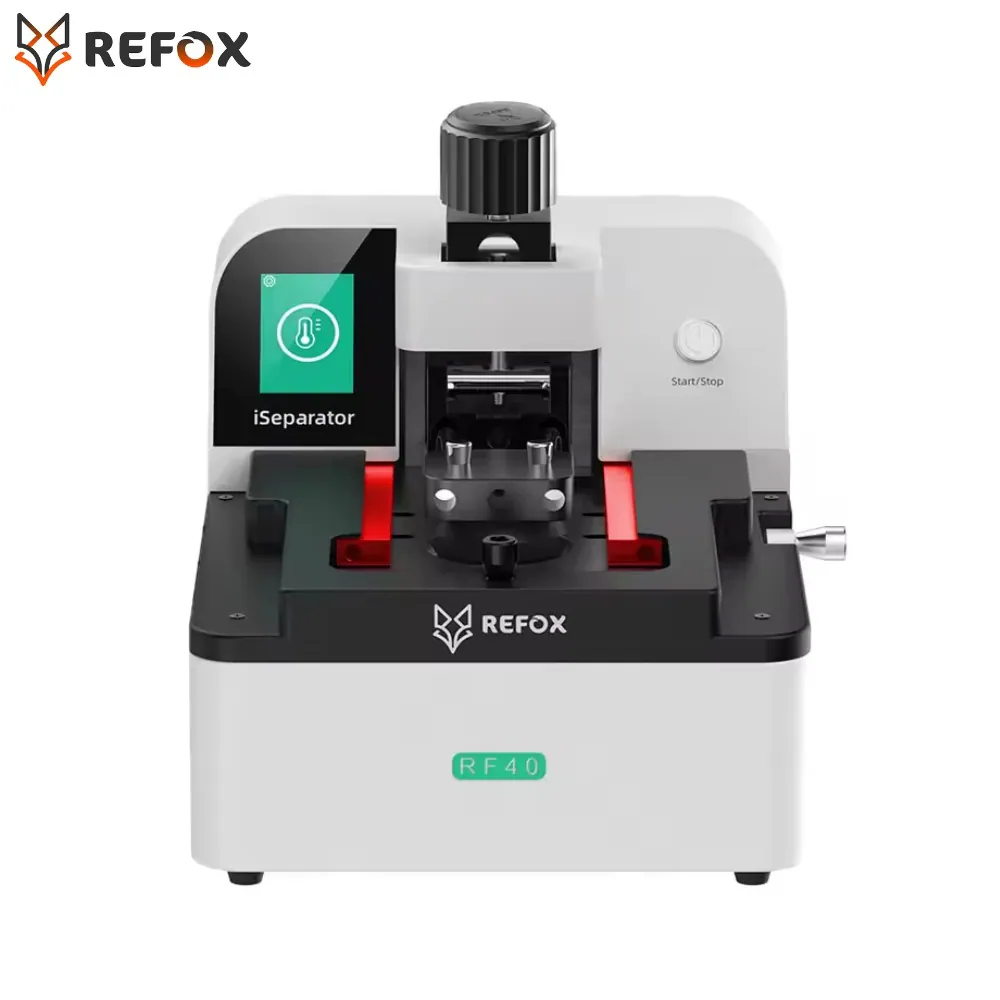
REFOX RF40 iSeparator Screen Separator Machine
Ordered before 17:00 on a working day: dispatched on the next working day or the day after. Expected dispatch between Tuesday 10 November and Thursday 12 November. Estimated delivery outside France between Friday 13 November and Thursday 19 November (working days, estimate).
Check your exact model before ordering: a All models does not accept parts from another version (mini, Plus, Pro, Ultra…). Find my model
Description
The REFOX RF40 iSeparator screen separation machine is a repair tool designed to gently lift the screen of a smartphone, tablet or computer, giving access to the battery, the flex cable or the internal components. It is particularly useful for replacing a cracked screen, a faulty panel or a worn-out battery, without having to force the adhesive and fixing clips by hand.
This tool is compatible with all models, with no specific reference to match. It is a third-party manufacture. For safe, well-controlled use, take the time to read the instructions, work on a flat and clean surface, and protect the screen with adhesive film to limit the risk of scratches during separation. Apply moderate heat when the adhesive needs to be softened, and avoid any excess temperature.
After fitting the part, check that the screen, touch function and connections work correctly before closing the device. If you replace a lithium battery, do not puncture or bend it, and do not use a swollen battery. Disconnect the battery before handling the flex cables, and avoid static electricity by working with an anti-static wrist strap where possible.
Tips
- Disconnect the battery before handling the flex cables
- Apply moderate heat to soften the adhesive, without overdoing it
- Protect the screen with adhesive film before separation
- Check the screen and touch function before closing the device
- Never use a swollen or damaged battery
Fitting
Fitting guide: work with the device switched off, disconnect the battery before touching any flex cable, keep the screws in order and test the part before closing up. A question before ordering? Write to us.
Specifications
- Compatible with
- All models
- Part type
- Tool
- Warranty
- 2-year legal guarantee of conformity