
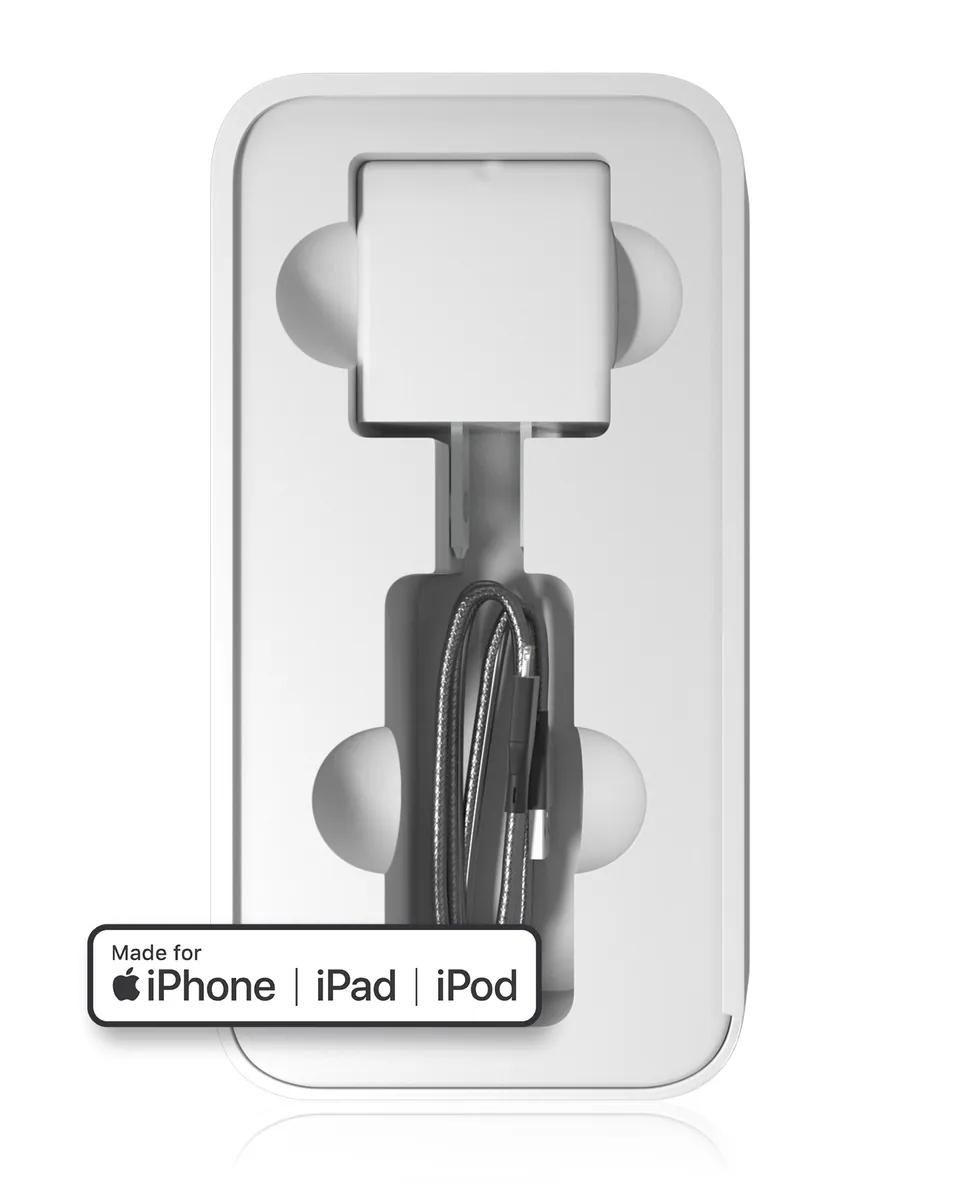
Flex cable / repair cable
Ordered before 17:00 on a working day: dispatched on the next working day or the day after. Expected dispatch between Tuesday 10 November and Thursday 12 November. Estimated delivery outside France between Friday 13 November and Thursday 19 November (working days, estimate).
Check your exact model before ordering: a All models does not accept parts from another version (mini, Plus, Pro, Ultra…). Find my model
Description
This flex cable, also called a repair cable, is a tool that connects a component to the device's motherboard during a repair. It is used to replace or restore a connection when the current component no longer transmits signals correctly. It is presented as compatible with all models, which makes it a versatile item for different types of devices.
To make your repair a success, prepare your workspace on a clean, well-lit surface, with suitable tools to avoid scratching the components. Before any handling, switch off the device and disconnect the battery to avoid any short circuit. Protect sensitive components from static electricity by using an anti-static wrist strap if you have one.
After fitting, check that the flex cable is properly clipped in and that the connectors are correctly positioned, without creases or twists. Reconnect the battery, switch the device back on and test the repaired function. If any abnormal behaviour appears, disconnect again before checking the assembly.
Tips
- Disconnect the battery before handling flex cables
- Protect components from static electricity
- Do not bend the flex cable and avoid twisting
- Check that connectors are properly clipped in before closing
- Test the repaired function before refitting the casing
Fitting
Fitting guide: work with the device switched off, disconnect the battery before touching any flex cable, keep the screws in order and test the part before closing up. A question before ordering? Write to us.
Specifications
- Compatible with
- All models
- Part type
- Tool
- Warranty
- 2-year legal guarantee of conformity