
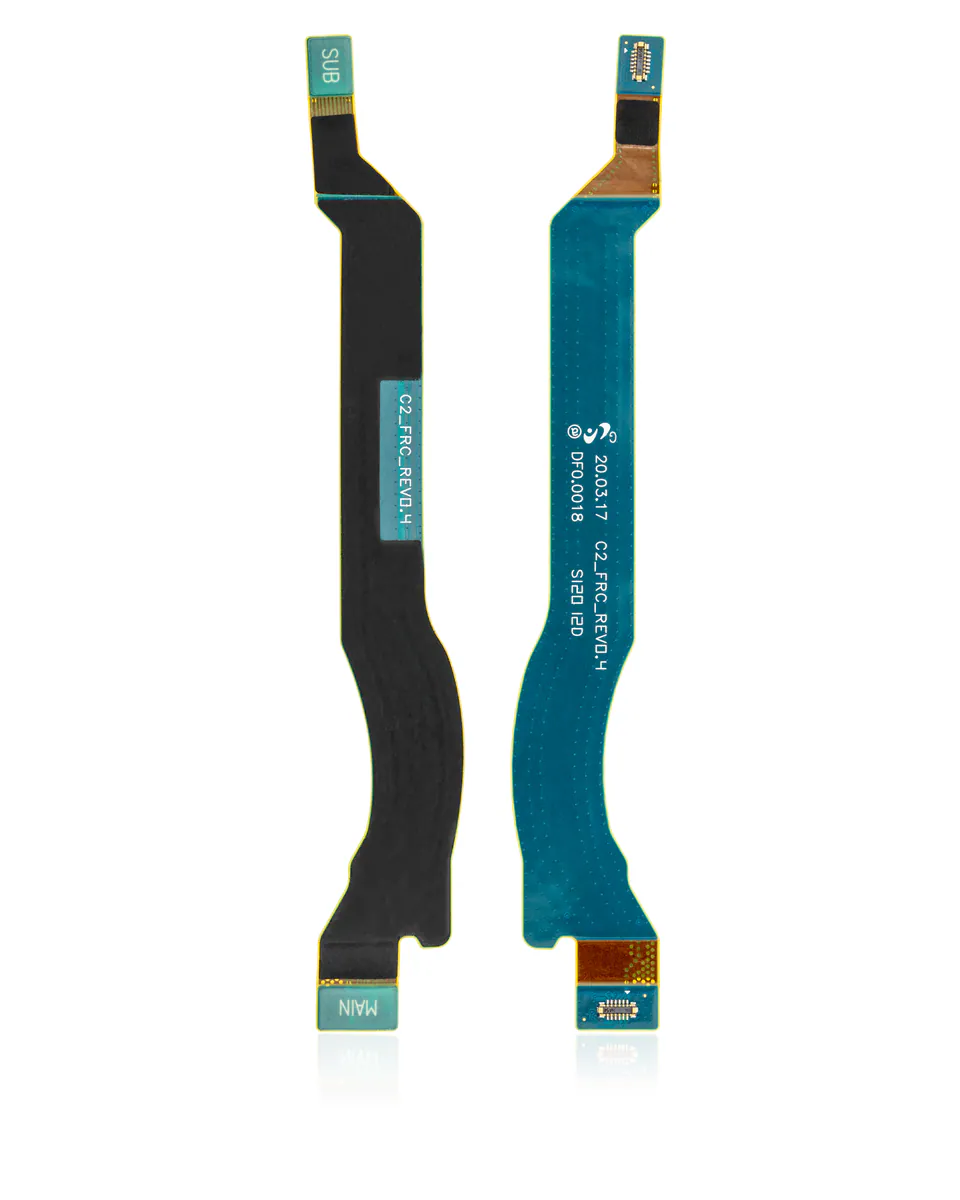
Antenna flex cable for Galaxy Note 20 Ultra
Compatible — Third-party manufacture. The lowest price for a repair.
- US version: for a device bought in the United States. Check your device's model number before choosing.
See the 3 versions and their prices
- Korean version, ref. N986N · Compatible€12.90
- International version, ref. N986B · CompatibleEuropean / international version: for a device bought in France or elsewhere in Europe.€14.90
- US version, ref. N986U · CompatibleUS version: for a device bought in the United States. Check your device's model number before choosing.€11.90
Your choice: US version, ref. N986U · Compatible
Ordered before 17:00 on a working day: dispatched on the next working day or the day after. Expected dispatch between Tuesday 10 November and Thursday 12 November. Estimated delivery outside France between Friday 13 November and Thursday 19 November (working days, estimate).
The kit for a successful repair
or just what you need:
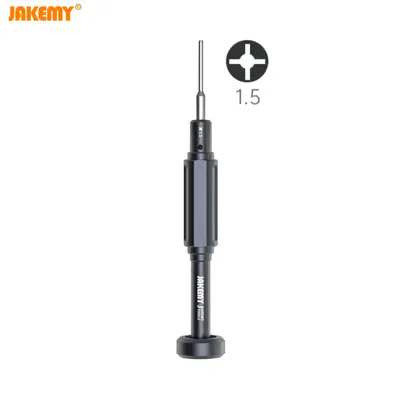
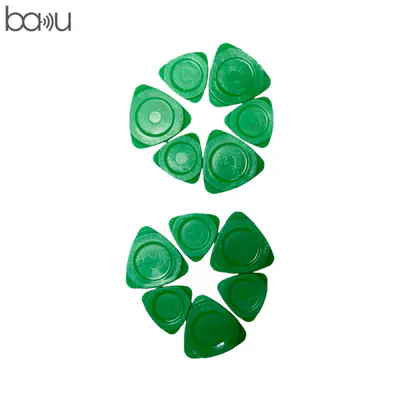
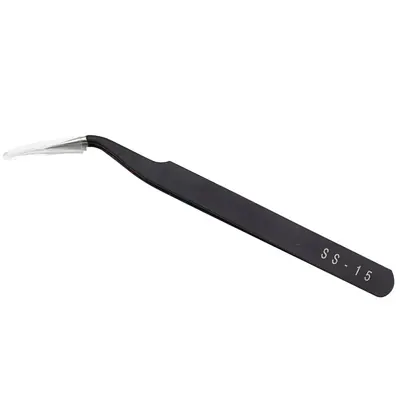
Check your exact model before ordering: a Galaxy Note 20 Ultra does not accept parts from another version (mini, Plus, Pro, Ultra…). Find my model
Description
This antenna cable is a flexible part that connects the phone's antennas to the motherboard. For the Galaxy Note 20 Ultra, it ensures the reception and transmission of network, Wi-Fi and Bluetooth signals depending on the contact areas. When it is damaged or poorly connected, you may notice loss of network, weak reception or dropped calls. This is a compatible part made by a third party, offered as an affordable alternative for a do-it-yourself repair.
Before you start, switch the device off completely and disconnect the battery before handling any cables. Work on a clean surface with an anti-static tool, and avoid forcing the fine connectors. Gently warm the adhesive if needed, without overdoing it, so you can remove the old part without bending or tearing it.
After fitting, check that the connectors are properly clipped in before closing the device. Switch the phone back on and test network reception, Wi-Fi and Bluetooth in several locations. If the battery was disconnected, carry out a few full charging cycles to stabilise the system.
Tips
- Disconnect the battery before touching the cables
- Avoid excessive heat when removing the adhesive
- Handle the cable carefully, without bending or piercing it
- Check that each connector is locked in place before closing
- Test network, Wi-Fi and Bluetooth after fitting
Fitting
Fitting guide: work with the device switched off, disconnect the battery before touching any flex cable, keep the screws in order and test the part before closing up. A question before ordering? Write to us.
Specifications
- Compatible with
- Galaxy Note 20 Ultra
- Part type
- Flex cable / button
- Quality
- Compatible
- Warranty
- 2-year legal guarantee of conformity
- Difficulty
- Estimated time
- about 60 min (approximate)
Benefits
- Third-party manufacture: the lowest price to repair
- Compatibility with the stated model checked on the product page
- 2-year legal guarantee of conformity