
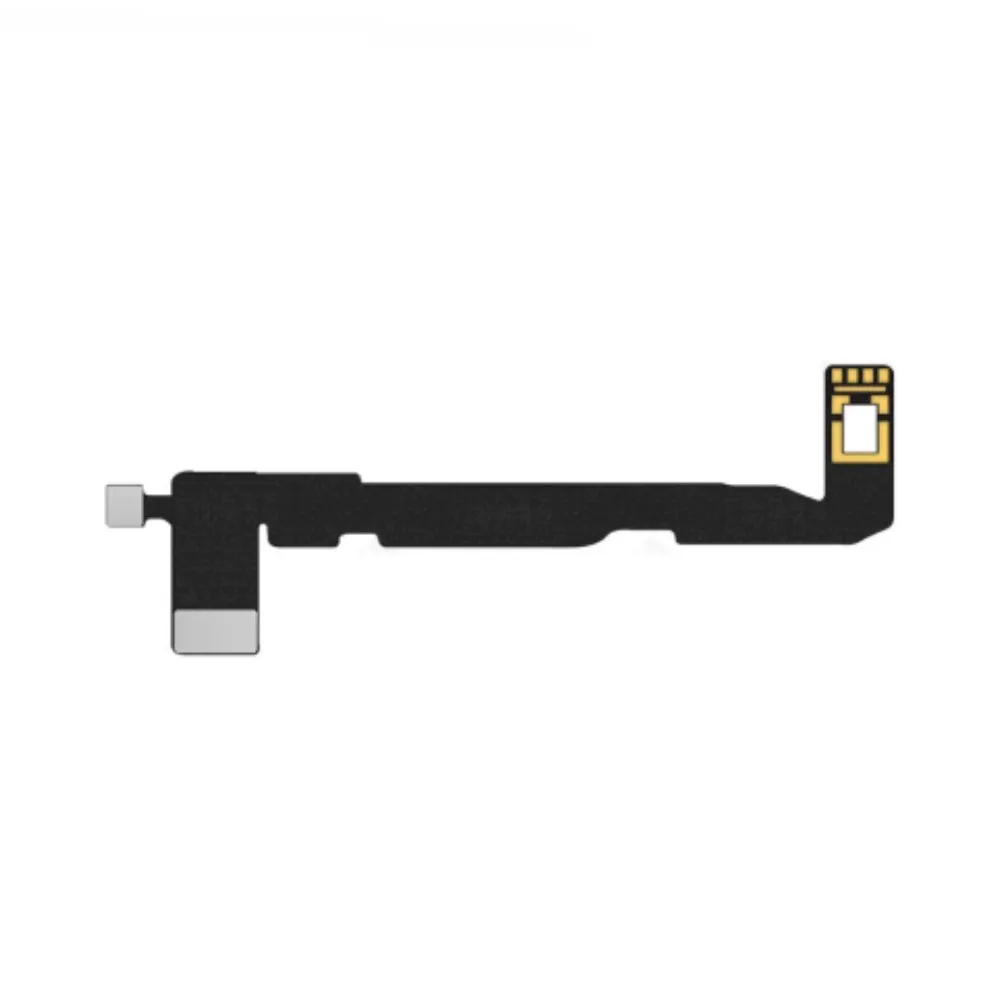
Dot Projector flex cable JC Programmer for Apple iPhone 11 Pro Max
Ordered before 17:00 on a working day: dispatched on the next working day or the day after. Expected dispatch between Tuesday 10 November and Thursday 12 November. Estimated delivery outside France between Friday 13 November and Thursday 19 November (working days, estimate).
Check your exact model before ordering: a All models does not accept parts from another version (mini, Plus, Pro, Ultra…). Find my model
Description
This Dot Projector flex cable is a repair tool compatible with the iPhone 11 Pro Max. It connects the JC Programmer board to the phone's dot projection system, allowing the data needed to repair the Face ID module to be transferred. It is intended for private individuals who want to work on their own device and need reliable access to this part of the motherboard.
This part is a compatible product, made by a third party, and not an original part. It is offered as a repair tool for all the models listed. Before connecting it, disconnect the device's battery and take care not to bend or force the delicate connectors. Work on a clean surface at room temperature, and protect your components from static electricity with an anti-static wrist strap if possible.
After fitting, carefully check that the flex cable is properly seated and that all connectors are correctly aligned before powering the device back on. If the device does not start or the Face ID module does not respond, stop and recheck the connections rather than forcing them. A methodical and patient approach reduces the risk of error.
Tips
- Disconnect the battery before connecting the flex cable
- Avoid bending or forcing the delicate connectors
- Protect components from static electricity
- Check connector alignment before powering on
- Do not reuse a damaged flex cable
Fitting
Fitting guide: work with the device switched off, disconnect the battery before touching any flex cable, keep the screws in order and test the part before closing up. A question before ordering? Write to us.
Specifications
- Compatible with
- All models
- Part type
- Tool
- Warranty
- 2-year legal guarantee of conformity