
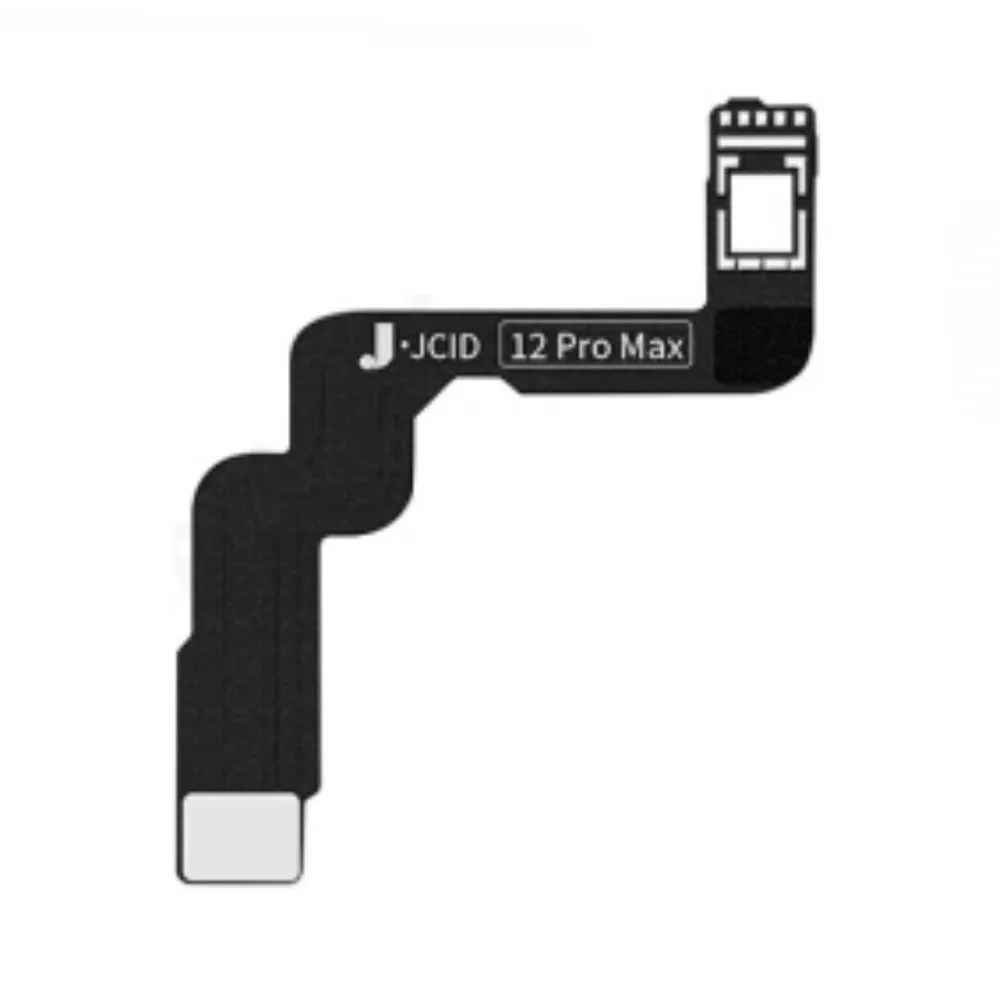
Dot Projector flex cable JC Programmer for Apple iPhone 12 Pro Max
Ordered before 17:00 on a working day: dispatched on the next working day or the day after. Expected dispatch between Tuesday 10 November and Thursday 12 November. Estimated delivery outside France between Friday 13 November and Thursday 19 November (working days, estimate).
Check your exact model before ordering: a All models does not accept parts from another version (mini, Plus, Pro, Ultra…). Find my model
Description
This Dot Projector flex cable is a compatible spare part for repairing the dot projector module of the iPhone 12 Pro Max. It connects the face detection module to the device's motherboard. When it is faulty, you may encounter face recognition problems or error messages related to Face ID.
Before any work, switch the device off completely and disconnect the battery before handling the flex cables. Work on a clean surface, with an anti-static mat if possible, and use suitable tools to avoid scratching the connectors. Handle the cables carefully, without bending them or forcing the tabs.
After fitting, check that the connector is properly clicked in and that the flex cable is correctly positioned. Power the device back on and test Face ID as well as the camera-related functions before fully closing the casing. If the existing part shows signs of heat or corrosion, also check the condition of the neighbouring connectors.
Tips
- Disconnect the battery before handling the flex cable
- Use an anti-static mat to limit static electricity
- Do not force the connectors when removing or fitting them
- Test Face ID and the camera before closing the device
- Never puncture or bend a lithium battery
Fitting
Fitting guide: work with the device switched off, disconnect the battery before touching any flex cable, keep the screws in order and test the part before closing up. A question before ordering? Write to us.
Specifications
- Compatible with
- All models
- Part type
- Tool
- Warranty
- 2-year legal guarantee of conformity