
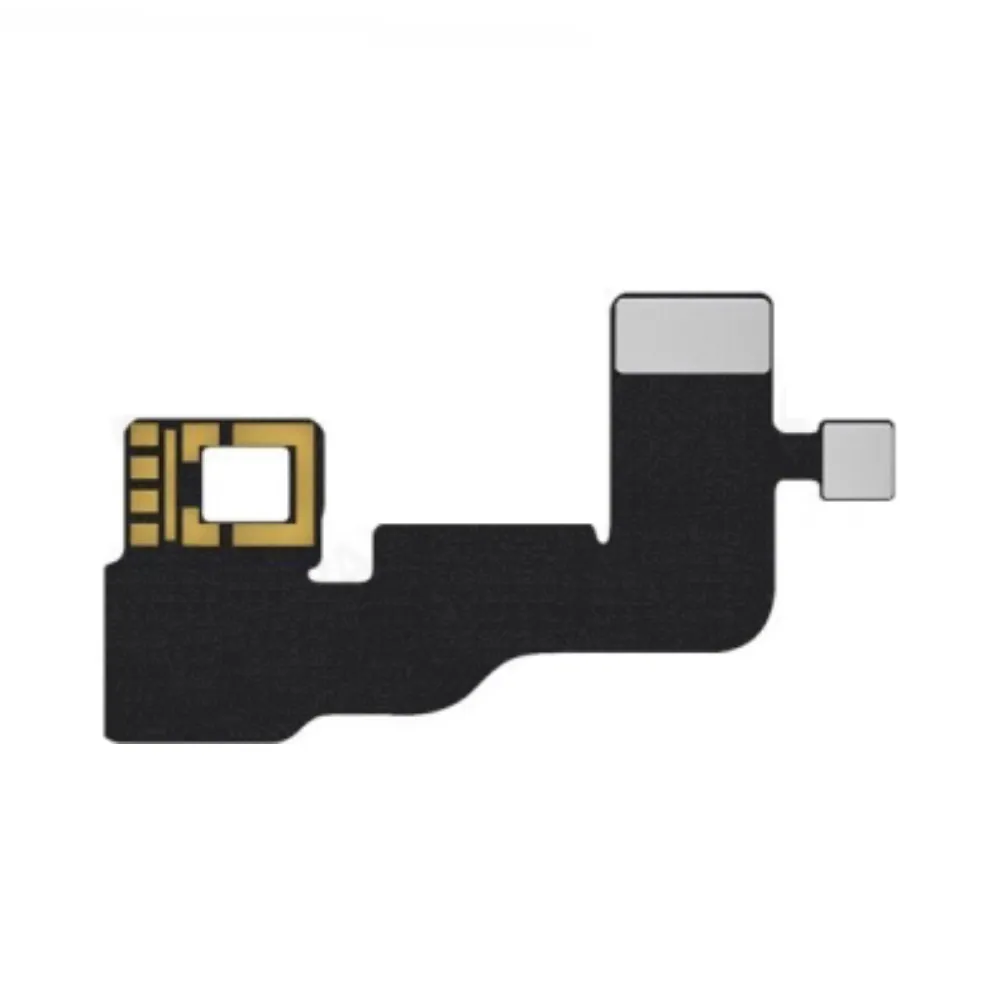
Dot Projector flex cable JC Programmer for Apple iPhone XR
Ordered before 17:00 on a working day: dispatched on the next working day or the day after. Expected dispatch between Tuesday 10 November and Thursday 12 November. Estimated delivery outside France between Friday 13 November and Thursday 19 November (working days, estimate).
Check your exact model before ordering: a All models does not accept parts from another version (mini, Plus, Pro, Ultra…). Find my model
Description
This Dot Projector flex cable is a repair tool for the Face ID sensor board of the iPhone XR. It connects the infrared dot projection module to the logic board and is used to test, program or replace the component that enables facial recognition. It is useful when Face ID stops working or shows an error message after an impact, an opening or a screen replacement.
This is a compatible part made by a third party, not a brand part. Before you begin, switch off the device, disconnect the battery to avoid any short circuit and work on a clean surface, limiting static electricity with an anti-static wrist strap. Never force the fine connectors and handle the flex cable by its edges.
After fitting, switch the iPhone back on and check Face ID in the settings, then test the illumination and the face recognition setup. If the battery was disconnected, let the device go through a few normal charging cycles before concluding that the repair is complete.
Tips
- Switch off the device and disconnect the battery before any handling
- Use an anti-static wrist strap and avoid excessive heat
- Do not force the fine connectors of the flex cable
- Handle the flex cable by its edges so it does not bend
- Check Face ID in the settings after fitting
Fitting
Fitting guide: work with the device switched off, disconnect the battery before touching any flex cable, keep the screws in order and test the part before closing up. A question before ordering? Write to us.
Specifications
- Compatible with
- All models
- Part type
- Tool
- Warranty
- 2-year legal guarantee of conformity