
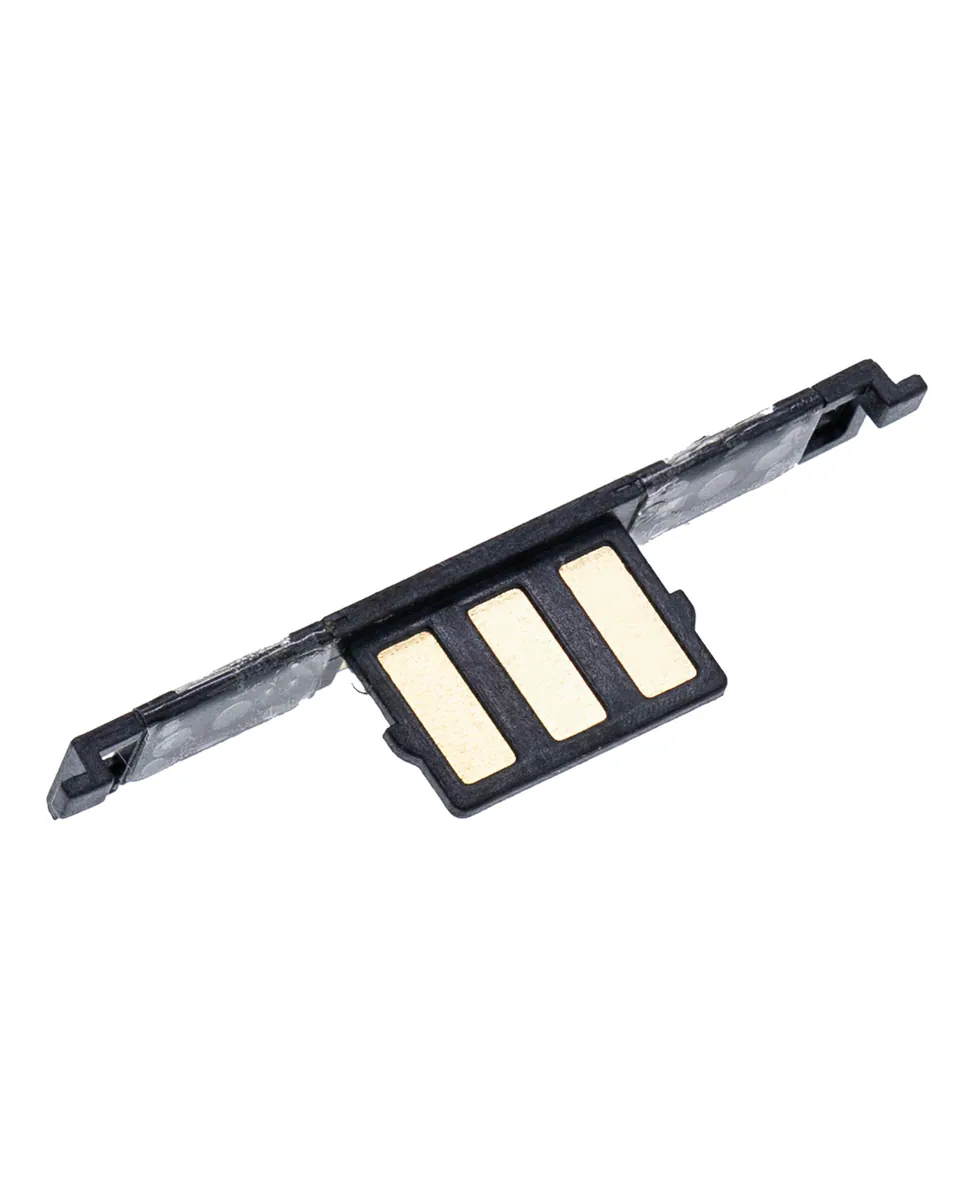
Volume flex cable for Phoenix Plus (ref. X210M) – Compatible
Compatible — Third-party manufacture. The lowest price for a repair.
This part also fits: Aristo, Aristo 2, Aristo 2 Plus, K10 (2017), K20 (2019) .
Ordered before 17:00 on a working day: dispatched on the next working day or the day after. Expected dispatch between Tuesday 10 November and Thursday 12 November. Estimated delivery outside France between Friday 13 November and Thursday 19 November (working days, estimate).
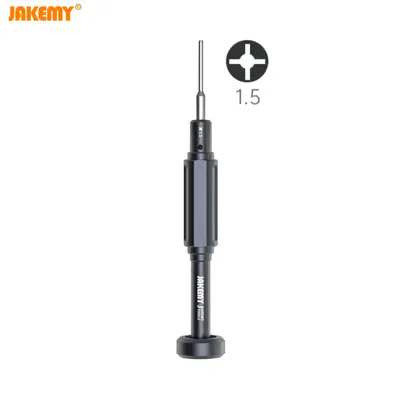
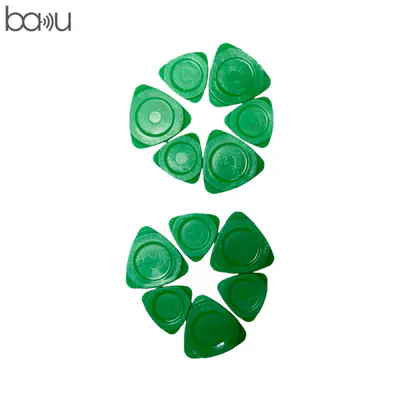
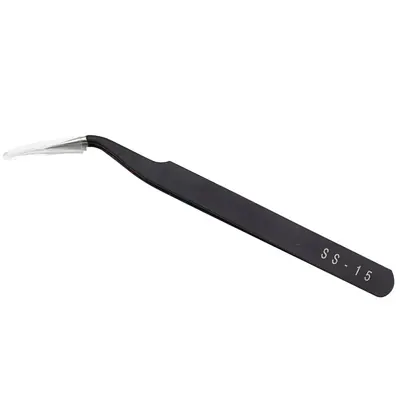
The kit for a successful repair
or just what you need:
Check your exact model before ordering: a Phoenix Plus does not accept parts from another version (mini, Plus, Pro, Ultra…). Find my model
Description
This volume flex cable is a compatible replacement part for the Phoenix Plus model. It connects the volume buttons, located on the side of the device, to the motherboard. When it is faulty, the volume buttons may stop responding, respond irregularly or stay stuck, which makes adjusting the sound difficult in everyday use. Replacing this flex cable often restores reliable control without having to change the whole device.
Before you begin, switch the phone off completely and disconnect the battery before handling any flex cables. Work on a clean surface, with an anti-static mat if possible, and use a plastic tool to lift the connectors without forcing them. Note the position of each screw and each connector to make reassembly easier.
After fitting, check that both buttons work before closing the device, then run a few charging cycles to check stability. If you notice unusual heating, abnormal behaviour or a swollen battery, stop using the device immediately.
Tips
- Switch off the device and disconnect the battery before touching the flex cables
- Use a plastic tool to lift the connectors without forcing them
- Note the position of screws and connectors to make reassembly easier
- Test both volume buttons before closing the device
- Never puncture or bend a lithium battery
Fitting
Fitting guide: work with the device switched off, disconnect the battery before touching any flex cable, keep the screws in order and test the part before closing up. A question before ordering? Write to us.
Specifications
- Compatible with
- Phoenix Plus
- Part type
- Flex cable / button
- Quality
- Compatible
- Warranty
- 2-year legal guarantee of conformity
- Difficulty
- Estimated time
- about 60 min (approximate)
Benefits
- Third-party manufacture: the lowest price to repair
- Compatibility with the stated model checked on the product page
- 2-year legal guarantee of conformity
Symptoms this part fixes
- Button that no longer responds
- Button that stays pressed in