
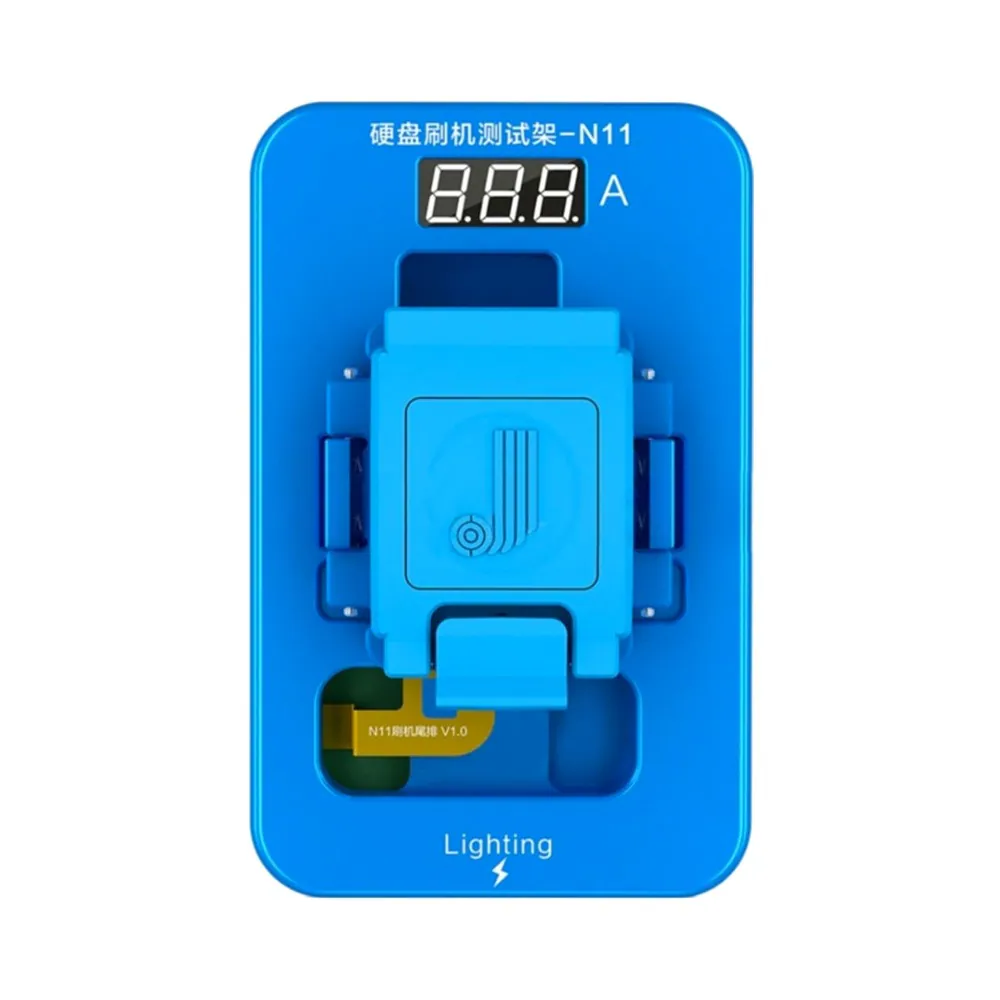
JC Programmer N11 NAND Programmer for iPhone 11 / Pro / Pro Max
Or in 3 interest-free instalments with Klarna: €80.64 + 2 × €80.63 (excl. delivery, subject to Klarna's approval).
In stock · Dispatched within 24 to 48 hours (working days)Ordered before 17:00 on a working day: dispatched on the next working day or the day after. Expected dispatch between Tuesday 10 November and Thursday 12 November. Estimated delivery outside France between Friday 13 November and Thursday 19 November (working days, estimate).
Check your exact model before ordering: a All models does not accept parts from another version (mini, Plus, Pro, Ultra…). Find my model
Description
The JC N11 programmer is a repair tool designed to read and write the NAND memory data of the iPhone 11, 11 Pro and 11 Pro Max. It is especially useful when replacing the NAND chip, when device data needs to be transferred or restored to the new chip. It helps address certain storage-related faults, such as a blocked boot or memory that no longer responds. This tool is a compatible part, made by a third-party manufacturer.
Before you begin, prepare a clean, well-lit workspace with an anti-static mat and an anti-static wrist strap to protect the components from static electricity. Check that your programming software is up to date and that you have a backup of the motherboard data. Take the time to read the instructions carefully before any handling.
Once the repair is complete, check that the device works properly: boot-up, recognised storage and main functions. Never force connectors and disconnect the battery before handling the ribbon cables. If the battery is swollen, stop using it and do not puncture or bend it.
Tips
- Work on an anti-static mat with a wrist strap connected to earth
- Back up the motherboard data before any operation
- Disconnect the battery before handling the ribbon cables
- Check boot-up and storage after the repair
- Never use a swollen battery
Fitting
Fitting guide: work with the device switched off, disconnect the battery before touching any flex cable, keep the screws in order and test the part before closing up. A question before ordering? Write to us.
Specifications
- Compatible with
- All models
- Part type
- Tool
- Warranty
- 2-year legal guarantee of conformity