
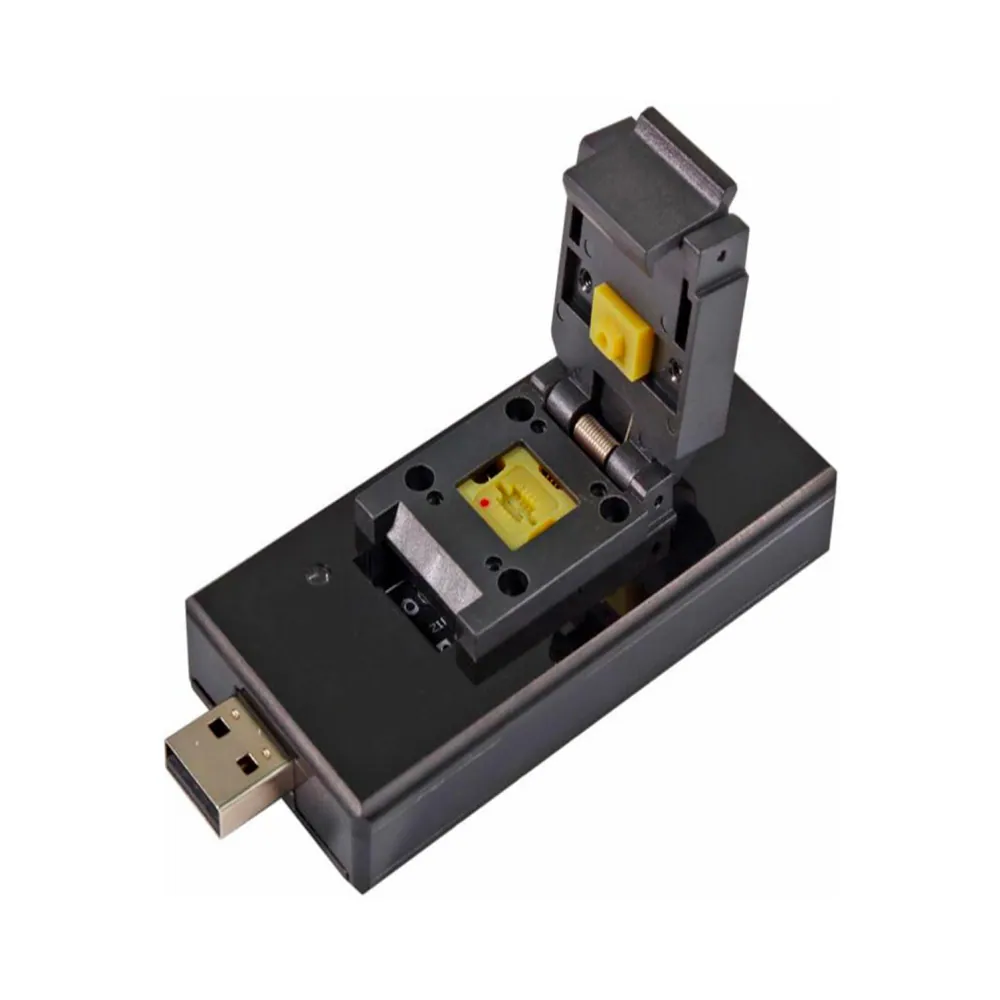
BAIYI BY-T200 T2 MacBook Chip Programmer
Or in 3 interest-free instalments with Klarna: €103.64 + 2 × €103.63 (excl. delivery, subject to Klarna's approval).
In stock · Dispatched within 24 to 48 hours (working days)Ordered before 17:00 on a working day: dispatched on the next working day or the day after. Expected dispatch between Tuesday 10 November and Thursday 12 November. Estimated delivery outside France between Friday 13 November and Thursday 19 November (working days, estimate).
Check your exact model before ordering: a All models does not accept parts from another version (mini, Plus, Pro, Ultra…). Find my model
Description
The BAIYI BY-T200 T2 chip programmer is a repair tool designed for MacBooks fitted with the T2 security chip. It is used to read, write and program the chip when work on the logic board or its memory requires it. In particular, it allows you to restore or transfer the configuration data needed for the machine to work properly after certain repairs. This tool is compatible with all models, with no specific reference to enter. It is a compatible product, made by a third party.
Before you begin, work on a clean, well-lit surface with an antistatic workstation. Disconnect the power and remove the battery before handling any ribbon cables or connectors. Check that your software is compatible with your device's version and back up important data where possible. Never force a connector and avoid excessive heat.
After the work, check that the machine starts correctly and that the repaired parts function. If the battery has been replaced, carry out a few full charge and discharge cycles so that it settles into stable behaviour. If a lithium battery swells, stop using it and do not puncture or bend it.
Tips
- Read the software documentation before programming the chip
- Disconnect the power and remove the battery before working on the device
- Wear an antistatic wrist strap to protect the components
- Check correct startup and operation after reassembly
- Never puncture or bend a lithium battery; do not use it if swollen
Fitting
Fitting guide: work with the device switched off, disconnect the battery before touching any flex cable, keep the screws in order and test the part before closing up. A question before ordering? Write to us.
Specifications
- Compatible with
- All models
- Part type
- Tool
- Warranty
- 2-year legal guarantee of conformity