
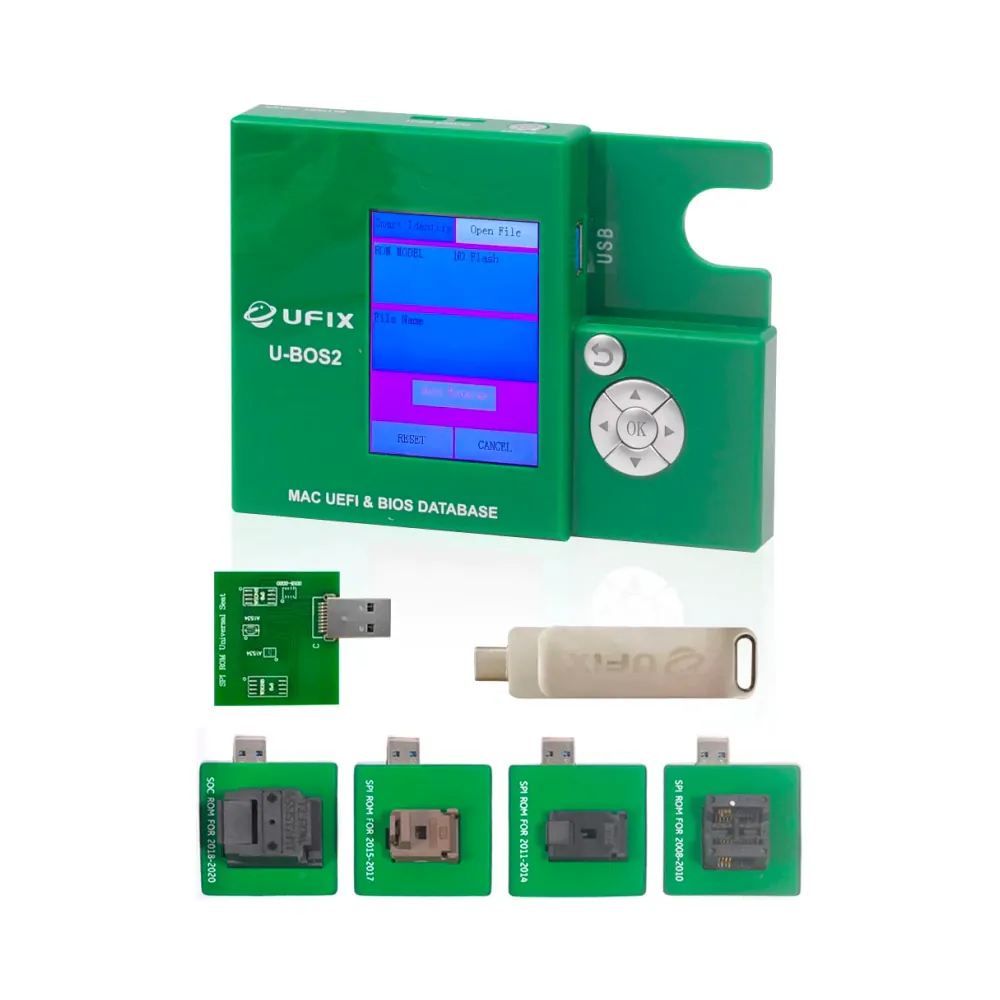
UFIX U-BOS2 Programmer for UEFI and BIOS Database on MacBook
Or in 3 interest-free instalments with Klarna: €201.98 + 2 × €201.96 (excl. delivery, subject to Klarna's approval).
In stock · Dispatched within 24 to 48 hours (working days)Ordered before 17:00 on a working day: dispatched on the next working day or the day after. Expected dispatch between Tuesday 10 November and Thursday 12 November. Estimated delivery outside France between Friday 13 November and Thursday 19 November (working days, estimate).
Check your exact model before ordering: a All models does not accept parts from another version (mini, Plus, Pro, Ultra…). Find my model
Description
The UFIX U-BOS2 Programmer is a repair tool for reading and writing the UEFI and BIOS memory chips found on MacBook motherboards. It is used to restore or update firmware when a motherboard no longer starts after a chip replacement, software corruption, or work on the boot memory. It is compatible with all models, but using it requires correctly identifying the relevant chip before any handling.
Before you begin, prepare a clean, well-lit workspace free of static electricity. Wear an anti-static wrist strap and work on a non-conductive surface. Disconnect the power and, if the device allows, the battery before connecting the tool to the motherboard points. Check the orientation of each connection carefully to avoid short circuits, and avoid excessive heat when soldering or removing components.
Once the operation is complete, check the firmware read and write before reassembling the device. Put the board back in place, reconnect the power, then test startup and general operation. If you are unsure about a step, stop and repeat the checks rather than forcing the process.
Tips
- Work on a clean, well-lit, anti-static workbench
- Disconnect the power and the battery before any connection
- Check the orientation of connections to avoid short circuits
- Verify the firmware read and write before reassembly
- Never puncture or bend a swollen lithium battery
Fitting
Fitting guide: work with the device switched off, disconnect the battery before touching any flex cable, keep the screws in order and test the part before closing up. A question before ordering? Write to us.
Specifications
- Compatible with
- All models
- Part type
- Tool
- Warranty
- 2-year legal guarantee of conformity