
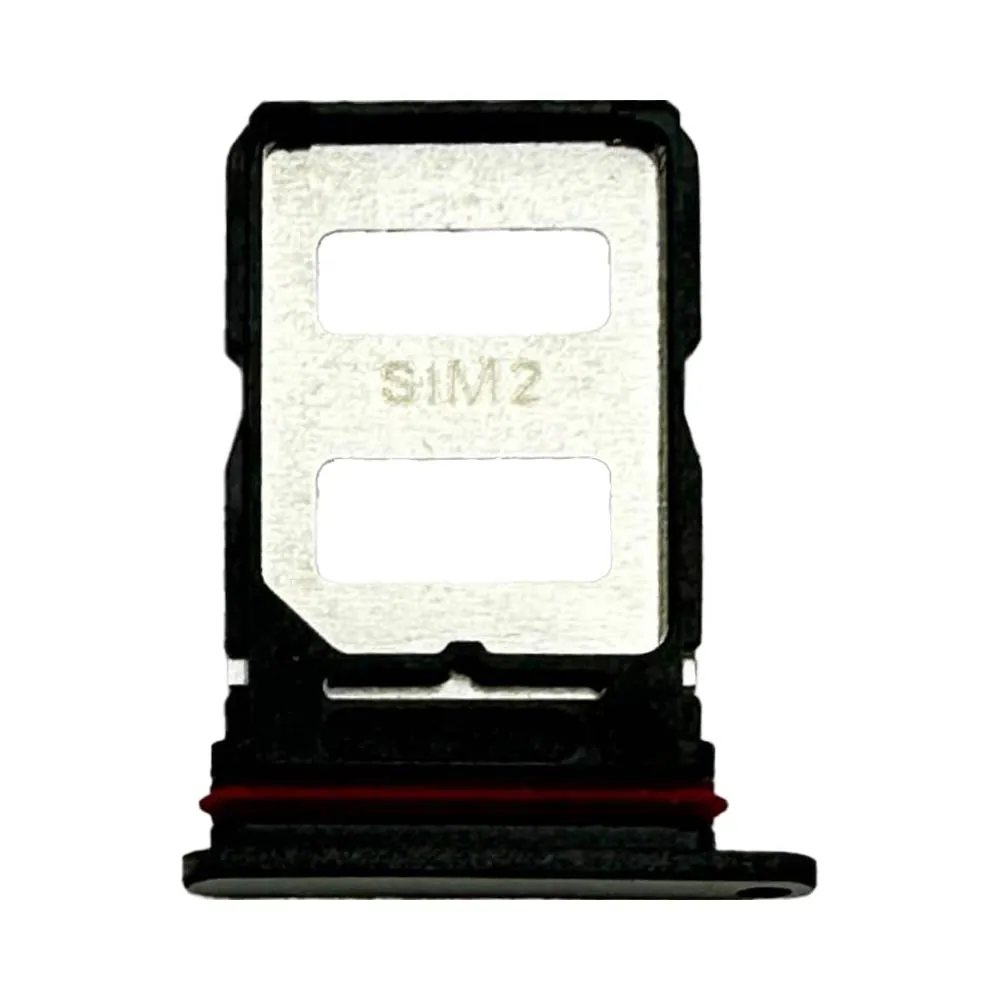
SIM tray for Redmi Note 14 Pro+
Compatible — Third-party manufacture. The lowest price for a repair.
- Standard version: fits like the original part. The simplest choice.
See the 4 versions and their prices
- Compatible · BlackStandard version: fits like the original part. The simplest choice.€6.90
- Compatible · WhiteStandard version: fits like the original part. The simplest choice.€6.90
- Compatible · BlueStandard version: fits like the original part. The simplest choice.€6.90
- Compatible · VioletStandard version: fits like the original part. The simplest choice.€6.90
Your choice: Compatible · White
Ordered before 17:00 on a working day: dispatched on the next working day or the day after. Expected dispatch between Tuesday 10 November and Thursday 12 November. Estimated delivery outside France between Friday 13 November and Thursday 19 November (working days, estimate).
The kit for a successful repair
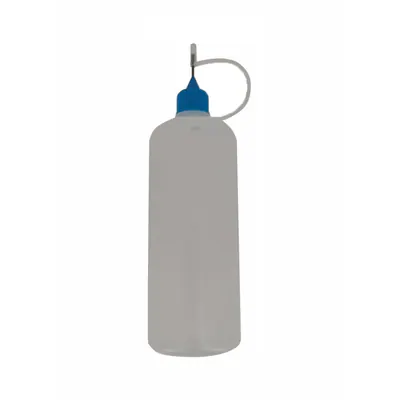
- Needle Vial 120 ml€7.90
Check your exact model before ordering: a Redmi Note 14 Pro+ does not accept parts from another version (mini, Plus, Pro, Ultra…). Find my model
Description
The SIM tray is the small part that holds the SIM card and, depending on the model, the memory card. It slides into its slot on the side of the phone. When it is damaged, bent or broken, the card no longer sits properly, the phone does not always detect it and ejecting it becomes difficult. This tray, compatible with the Redmi Note 14 Pro+, lets you replace the existing part when these problems appear.
Before you start, switch the device off completely and use the correct ejection tool to remove the tray without forcing it. Work on a flat, clean surface and avoid electrostatic discharge by regularly touching an earthed metal surface. If your phone contains a battery, disconnect it before working near the neighbouring ribbon cables, and never puncture or bend the battery.
Once the new tray is fitted, check that it slides in without play and comes out easily. Insert your SIM card, restart the phone and check that the network is properly detected. If the battery was disconnected, reconnect it carefully.
Tips
- Switch the device off before removing the SIM tray
- Use the correct ejection tool, without forcing it
- Check that the tray fits without play after fitting
- Test SIM card detection after restarting
- Never puncture or bend a lithium battery
Fitting
Fitting guide: work with the device switched off, disconnect the battery before touching any flex cable, keep the screws in order and test the part before closing up. A question before ordering? Write to us.
Specifications
- Compatible with
- Redmi Note 14 Pro+
- Part type
- SIM tray
- Quality
- Compatible
- Colour
- White
- Warranty
- 2-year legal guarantee of conformity
- Difficulty
- Estimated time
- about 5 min (approximate)
Benefits
- Third-party manufacture: the lowest price to repair
- Compatibility with the stated model checked on the product page
- 2-year legal guarantee of conformity
Symptoms this part fixes
- Tray lost, bent or broken