
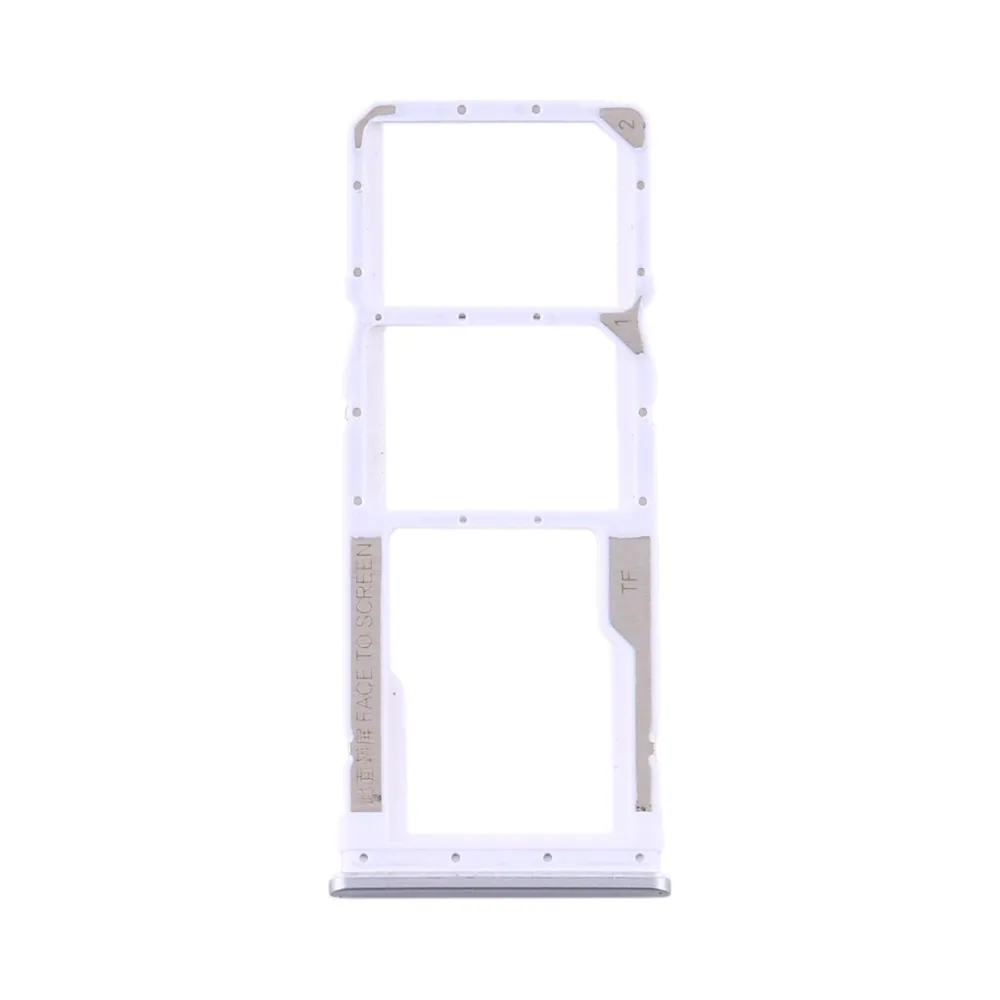
SIM tray for Redmi Note 9S
Compatible — Third-party manufacture. The lowest price for a repair.
- Standard version: fits like the original part. The simplest choice.
See the 6 versions and their prices
- Compatible · BlackStandard version: fits like the original part. The simplest choice.€6.90
- Compatible · BlueStandard version: fits like the original part. The simplest choice.€6.90
- Compatible · Glacial WhiteStandard version: fits like the original part. The simplest choice.€6.90
- Compatible · Gris InterstellaireStandard version: fits like the original part. The simplest choice.€6.90
- SIM double · Compatible · Champagne GoldStandard version: fits like the original part. The simplest choice.€6.90
- SIM double · CompatibleStandard version: fits like the original part. The simplest choice.€7.90
Your choice: Compatible · Glacial White
Ordered before 17:00 on a working day: dispatched on the next working day or the day after. Expected dispatch between Tuesday 10 November and Thursday 12 November. Estimated delivery outside France between Friday 13 November and Thursday 19 November (working days, estimate).
The kit for a successful repair
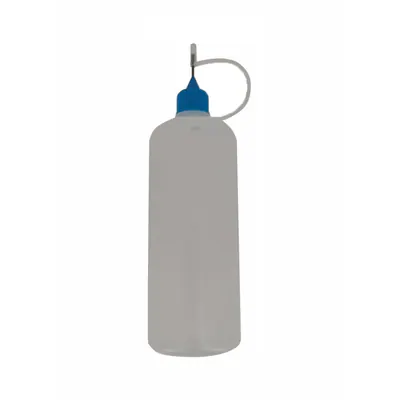
- Needle Vial 120 ml€7.90
Check your exact model before ordering: a Redmi Note 9S does not accept parts from another version (mini, Plus, Pro, Ultra…). Find my model
Description
The SIM tray is the small metal or plastic part that holds your SIM card and, depending on the model, your microSD card. It slides into the side of the phone and lets you change cards without opening the device. When it is damaged, it may no longer lock properly, get stuck or fail to detect the card. This tray, compatible with the Redmi Note 9S, lets you replace the current part when it is broken, bent or worn.
Before you start, switch the phone off completely and use the SIM ejector tool to remove the existing tray. Work on a clean, flat surface and avoid static electricity by touching a grounded metal surface. Compare the tray you received with the old one to check the shape, notches and contact positions before inserting it.
Once the tray is back in place, check that it clicks in without forcing and slides out without unusual resistance. Turn the phone on and check that the SIM card is recognised correctly. If the tray does not line up, do not force it: remove it and start the operation again.
Tips
- Switch off the phone before removing the SIM tray
- Compare the shape and notches with the current part
- Never force the tray in, it should slide in easily
- Test SIM card recognition after fitting
- Keep the ejector tool to hand for next time
Fitting
Fitting guide: work with the device switched off, disconnect the battery before touching any flex cable, keep the screws in order and test the part before closing up. A question before ordering? Write to us.
Specifications
- Compatible with
- Redmi Note 9S
- Part type
- SIM tray
- Quality
- Compatible
- Colour
- Glacial White
- Warranty
- 2-year legal guarantee of conformity
- Difficulty
- Estimated time
- about 5 min (approximate)
Benefits
- Third-party manufacture: the lowest price to repair
- Compatibility with the stated model checked on the product page
- 2-year legal guarantee of conformity
Symptoms this part fixes
- Tray lost, bent or broken