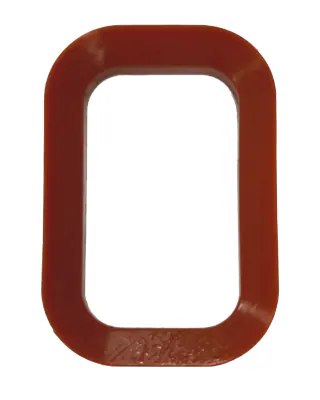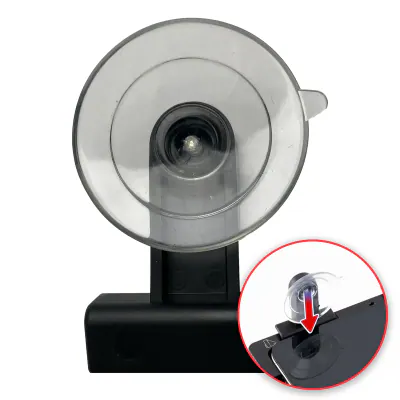
Suction cup de rechange pour plateau de réparation (à l’unité) (outil de service OEM)
In stock · Dispatched within 24 to 48 hours (working days)€7.90
Compatible — Third-party manufacture. The lowest price for a repair.
This part also fits: MacBook 12" A1534 (2015) / MacBook 12" A1534 (2016) / MacBook 12" A1534 (2017) / Retina 12 (A1534), MacBook 12" A1534 (2016) / MacBook 12" A1534 (2017) / MacBook 12" A1534 (2015) / Retina 12 (A1534).
Ordered before 17:00 on a working day: dispatched on the next working day or the day after. Expected dispatch between Tuesday 10 November and Thursday 12 November. Estimated delivery outside France between Friday 13 November and Thursday 19 November (working days, estimate).
Check your exact model before ordering: a MacBook 12" A1534 (2017) does not accept parts from another version (mini, Plus, Pro, Ultra…). Find my model
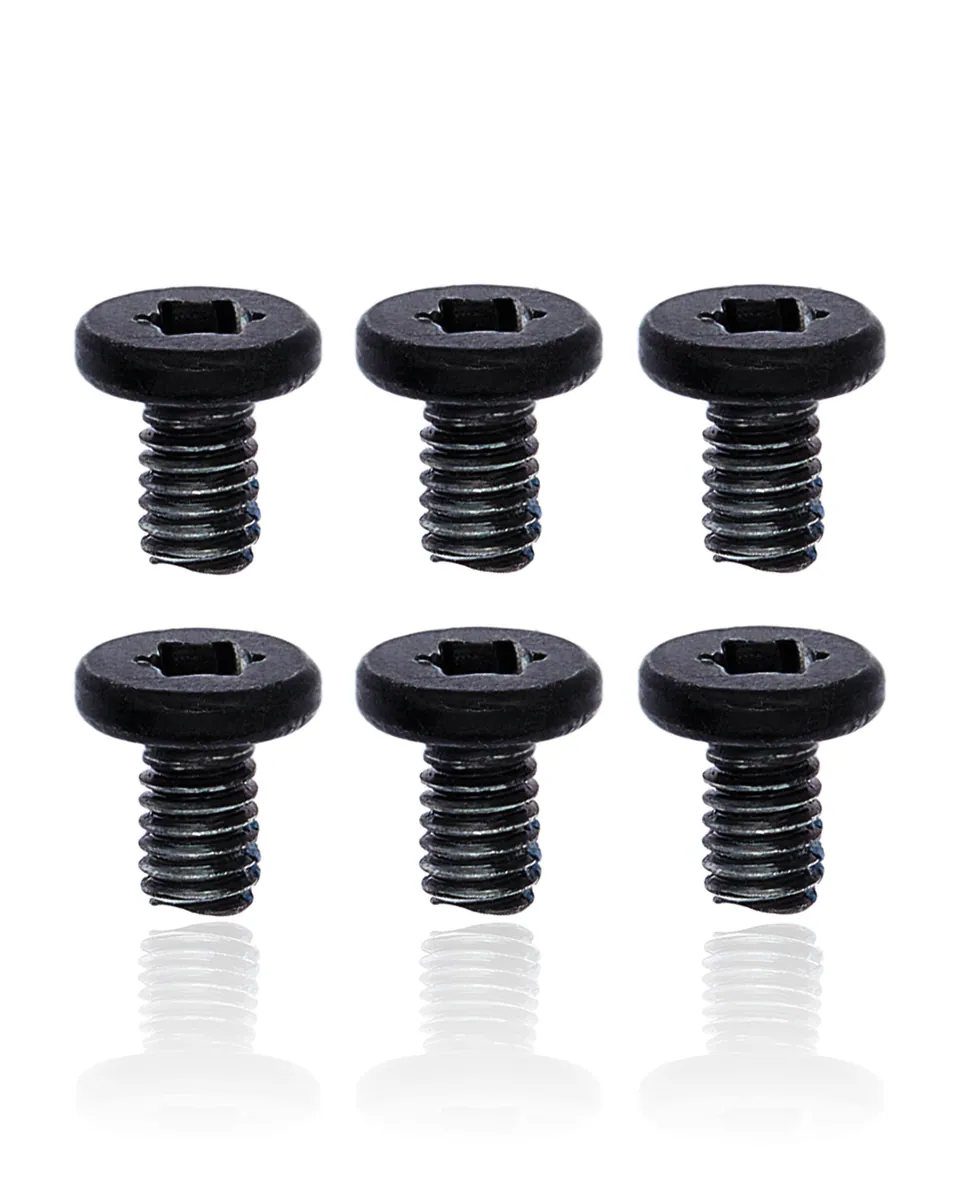
This compatible screw set is designed for the MacBook 12" A1534 (2017). It is used to secure the computer's lower case cover and to fix certain internal components, such as the logic board or the battery. A damaged or missing screw can prevent the cover from closing properly, cause vibrations or weaken the fixing of internal parts.
Before you begin, shut down the MacBook completely and unplug the charger. Work on a clean, stable surface, with an antistatic mat if possible, and use a screwdriver suited to the screw heads to avoid damaging them. Keep removed screws in a small container, noting their location if you remove several. If the battery needs to be disconnected before working on the ribbon cables, do so before any other disassembly.
Once reassembly is complete, check that the cover closes without force and that all screws are tightened securely without excess pressure. Turn the computer back on and check that the components work normally. If the battery has been replaced or disconnected, let it run a few full charge and discharge cycles to regain stable operation.
Fitting guide: work with the device switched off, disconnect the battery before touching any flex cable, keep the screws in order and test the part before closing up. A question before ordering? Write to us.
To open and close the device without damaging it.